
QR Code Size Guidelines
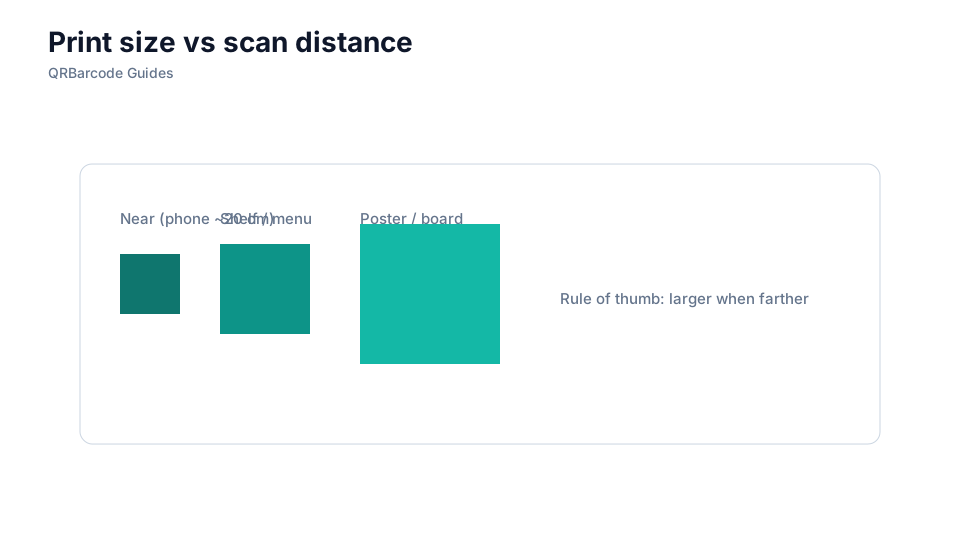
Print size depends on scan distance, module density, and surface quality.
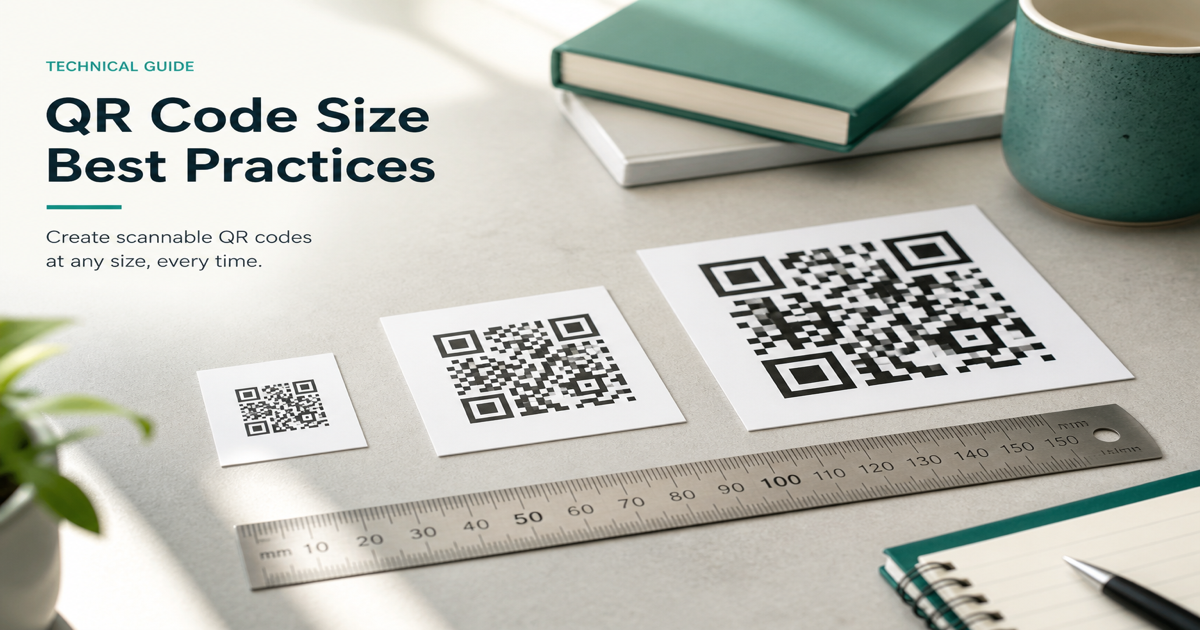
QR code size is measured by the physical width and height of the printed symbol and the size of each individual module (the smallest square dot). A reliable rule of thumb for consumer scanning is a minimum module size of 0.33 mm (about 10 mil) and an overall code width of at least 2 cm (roughly 0.8 inches) for close-range phone scans. Larger codes are required when users scan from farther away, such as on posters or billboards.
Why it matters
Undersized codes are the leading cause of scan failures in the field. A code that looks fine on a PDF proof may become unreadable when printed small on a business card or product label. Module size determines the maximum scan distance: double the code width and you roughly double the reliable reading distance. Pair size decisions with error correction and printing guidelines for a complete spec.
How to apply it
Determine your expected scan distance—arm's length for packaging, two meters for a poster, ten meters for signage—then size the code accordingly. Generate a test in the URL QR tool with your actual URL length, export at the planned print dimensions, and verify with the QR scanner at that distance.
- Calculate minimum print size from scan distance: farther scans require physically larger codes.
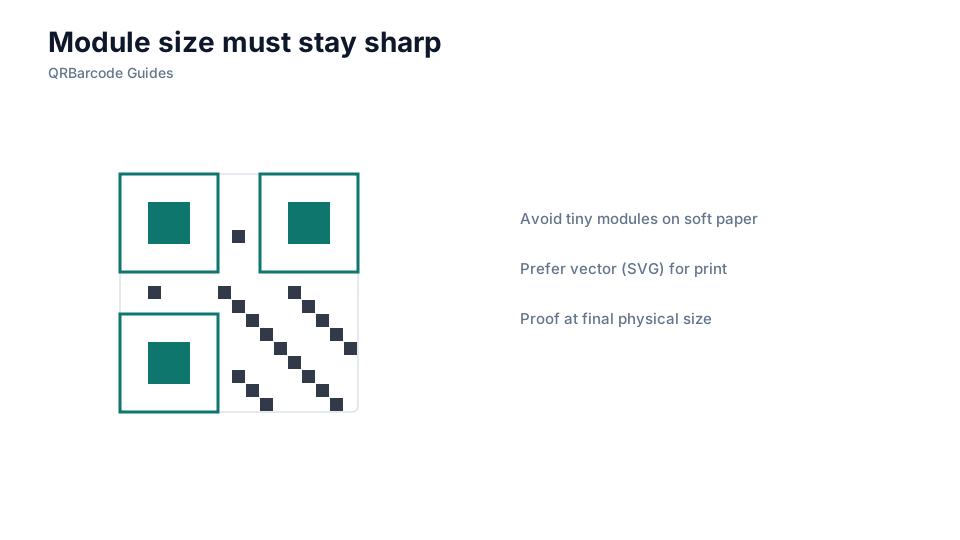
- Keep module size at or above 0.33 mm for standard smartphone cameras.
- Shorten URLs to reduce module count, which allows smaller print sizes at the same scan distance.
- Include quiet zones in your size calculation—they add margin beyond the visible module grid.
- Print a physical proof at production size and test before approving a large print run.
Common mistakes
Scaling a QR code as a bitmap without preserving module sharpness produces blurry edges that cameras misread. Designing for screen dimensions (72 dpi) and sending the same file to a commercial press is another common error—always export at the final print resolution. Placing a tiny code in the corner of a poster and expecting scans from across a room also fails regardless of error correction.
Recommended tools
Build test codes in the QR Code Generator, export in vector format when possible (see SVG vs PNG), and validate at real scan distances using the QR Code Scan tool. Review printing QR codes before sending artwork to your vendor.