
Printing QR Codes
Maintain quiet zones, contrast, and resolution so industrial presses do not blur modules.
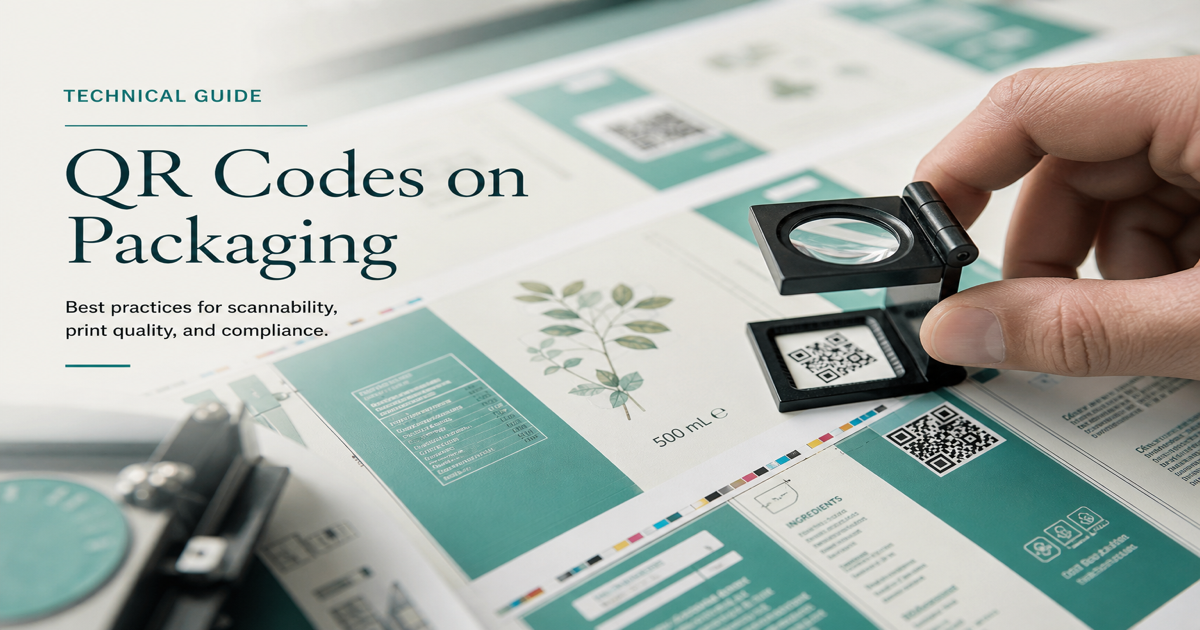
Printing a QR code requires more than dropping a PNG into your layout—the symbol must arrive at the press with correct resolution, contrast, quiet zones, and physical dimensions for the intended scan distance. Vector formats (SVG, PDF, EPS) are preferred for commercial printing because they keep module edges sharp at any scale. Raster formats work for simple office prints if exported at sufficient DPI.
Why it matters
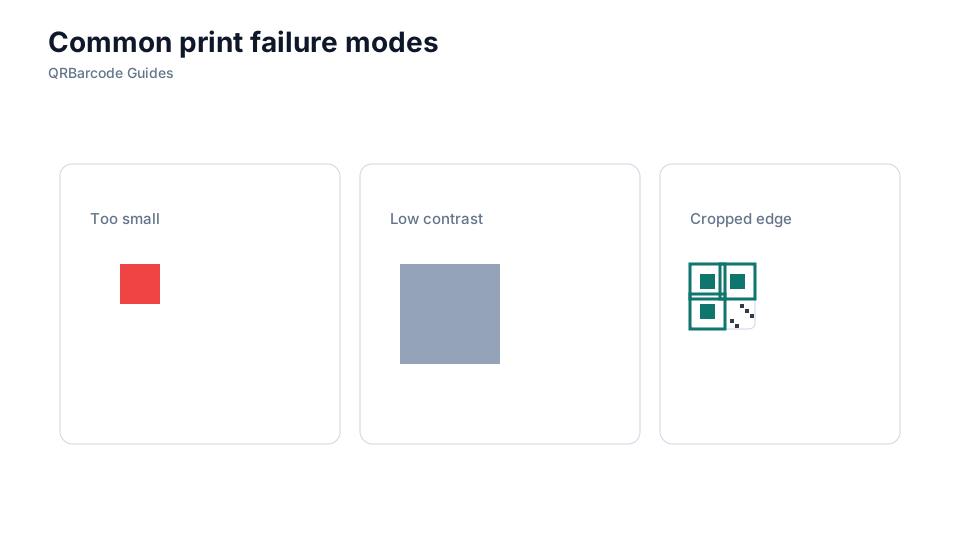
A QR code that scans on screen but fails on paper is almost always a print production issue: too small, too low contrast, glossy lamination causing glare, or ink spread making modules bleed together. Proofing on the actual substrate—matte vs. gloss, coated vs. uncoated—before a full run saves reprint costs. Pair this guide with size guidelines and SVG vs PNG for a complete prepress checklist.
How to apply it
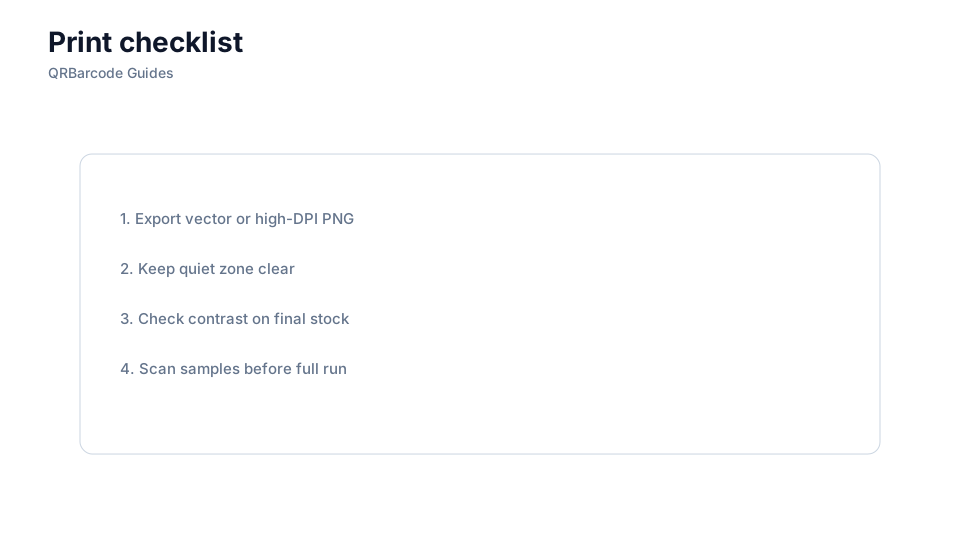
Export your code from the QR code generator in the format your print vendor requests—SVG for vector workflows, high-resolution PNG (at least 300 DPI at final print size) for raster workflows. Embed the code in your layout with quiet zones intact, specify final dimensions, and order a physical proof. Scan the proof with the QR scanner under typical lighting before approving.
- Provide vector artwork (SVG or PDF) to commercial printers whenever possible.
- Maintain high contrast: black on white or very dark on very light backgrounds.
- Avoid heavy gloss lamination over the code area; matte finish reduces glare.
- Request a physical press proof and scan it on multiple phones before the full run.
- Document final dimensions and error correction level on the print spec sheet.
Common mistakes
Sending a low-resolution screenshot of a QR code to a print vendor produces unusable output—modules become soft or merged. Inverting colors (white modules on a dark background) can work but fails on many scanners unless tested thoroughly. Placing the code across a fold, seam, or curved surface without adjusting size or correction level is another frequent production mistake.
Recommended tools
Generate print-ready files in the QR Code Generator, choose the right export format per SVG vs PNG, and verify proofs with the QR Code Scan tool. For sizing specs, see QR code size guidelines.