
QR Code Quiet Zone
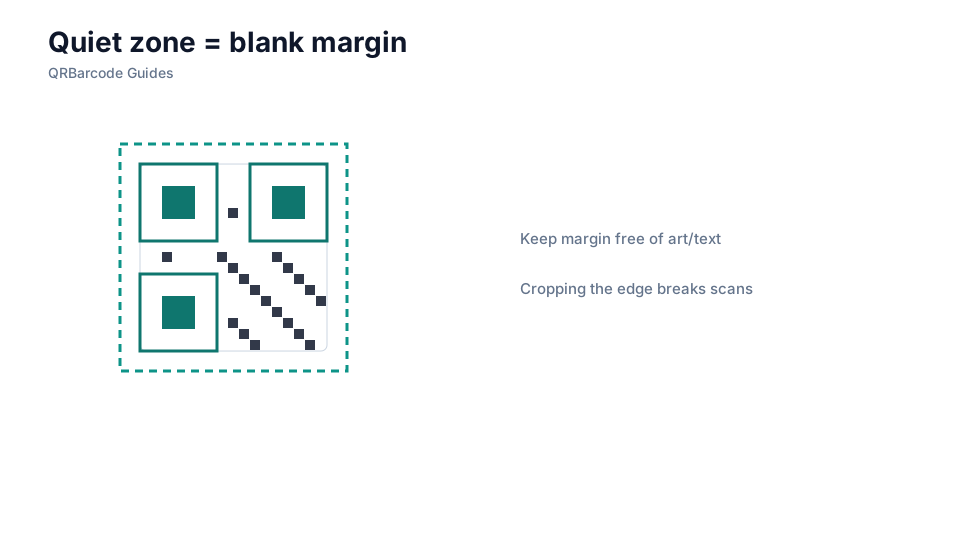
The quiet zone is the blank margin around modules that scanners need to lock onto the code.
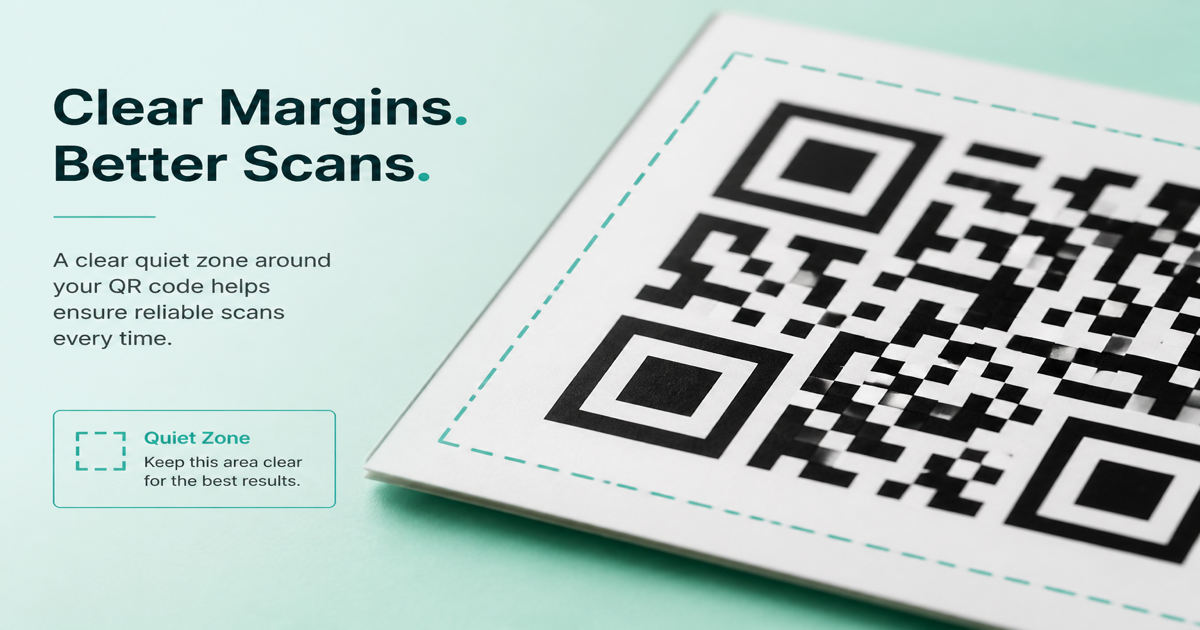
The quiet zone is the blank margin surrounding every QR code — a border of light modules with no text, logos, or decorative elements. Cameras use this empty space to locate finder patterns before decoding data modules. Build codes with built-in margins in the QR code generator, then confirm nothing crops the edge in the QR scanner before you approve print.
Why it matters
Without a proper quiet zone, scanners struggle to distinguish the code from background artwork, neighboring labels, or crop marks. ISO standards recommend at least four modules of clear space on all four sides, measured from the outer edge of the data pattern. This margin matters as much as contrast — see printing QR codes and common QR mistakes for how quiet-zone failures show up in the field.
How to apply it
Treat the quiet zone as non-negotiable real estate in your layout. When placing a QR on packaging, posters, or business cards, reserve the margin before adding headlines, borders, or brand marks.
- Export vector artwork so the quiet zone scales with the code rather than being clipped during resize.
- Tell your print vendor the margin is functional, not decorative — do not bleed artwork into it.
- Proof physical samples at the intended scan distance; a cropped quiet zone fails even when modules look sharp.
Common mistakes
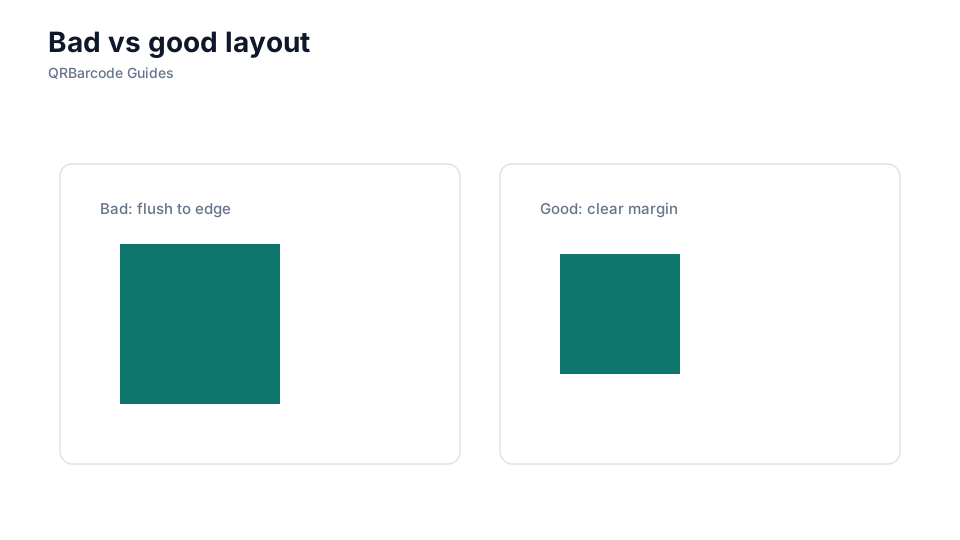
Designers often shrink the quiet zone to fit more copy, or place the code flush against a colored panel that reads as dark modules. Crop marks and die-cut guides can also slice into the margin during prepress. If scans fail at the edge of a label, check the quiet zone before adjusting QR size or error correction.
Recommended tools
Start in the URL QR tool with default margins intact, export SVG for your layout team, and validate finished proofs in the QR Code Scan tool and on real phones.