
Warehouse Barcode Labeling
Bins, totes, and WIP tags usually standardize on Code 128 for alphanumeric IDs.
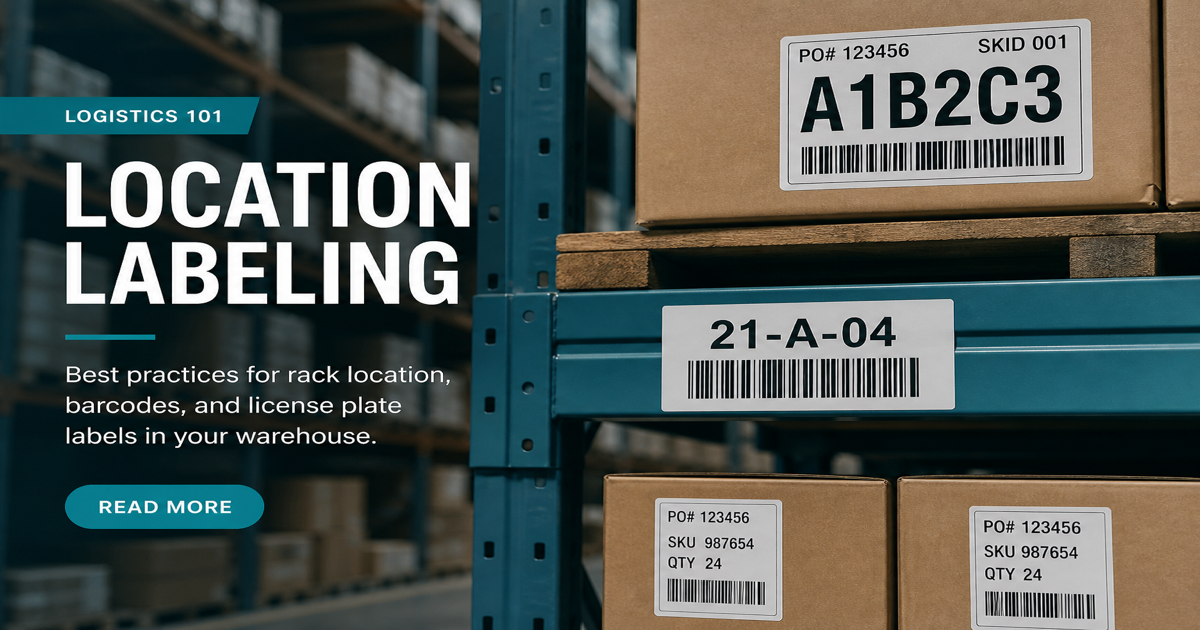
Warehouse labels carry bin locations, LPNs, SSCCs, and work-order IDs that never appear at retail checkout. Most operations standardize on Code 128 because it is dense, supports full ASCII, and every industrial scanner reads it. Create IDs with the Code 128 generator and test on your floor hardware with the barcode scanner.
Why it matters
Unlike fixed-length retail GTINs, internal warehouse barcodes often embed application identifiers, serials, or date codes in one symbol. Consistency matters more than creativity: if pickers see three label formats for the same tote workflow, scan latency and mis-picks rise. Durable media, appropriate ribbon, and label placement at ergonomic height reduce re-scans. Connect this guide with Code 128 vs Code 39 and thermal printing when you roll out a new WMS template.
How to apply it
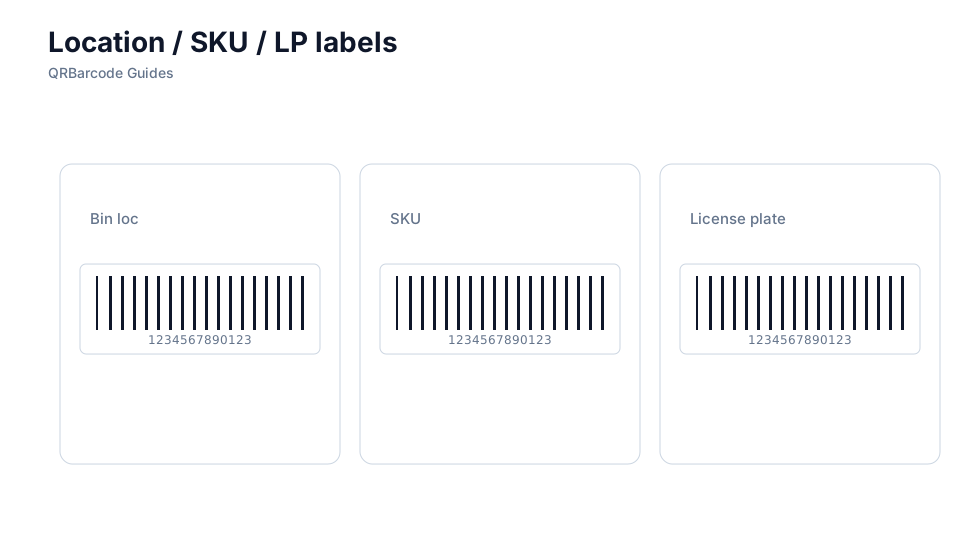
Document a single symbology and payload schema in your WMS SOP, then template labels so operators cannot accidentally print Code 39 on one aisle and Code 128 on another.
- Use Code 128 unless a legacy system explicitly requires Code 39—128 is denser for long IDs.
- Place labels on flat faces at pick height; avoid seams on totes and bins where curvature distorts bars.
- Include both barcode and human-readable text so supervisors can override a damaged scan.
- Print a new label when a symbol is scratched or faded—do not tape over damaged bars.
Common mistakes
Common warehouse failures include reusing retail EAN labels for internal locations, printing too small on reflective poly bags, and mixing GS1 element strings with ad hoc formats that parsers reject. Outdoor docks add sunlight fade on direct thermal stock. If misreads cluster on one printer, review barcode verifiers and common barcode mistakes.
Recommended tools
Standardize on the Code 128 tool for alphanumeric IDs, compare with Code 39 only when legacy rules require it, and spot-check in Barcode Scan. For outbound cases, see ITF-14 cartons.