
Common Barcode Mistakes
Wrong check digits, undersized X-dimensions, and invaded quiet zones top the failure list.
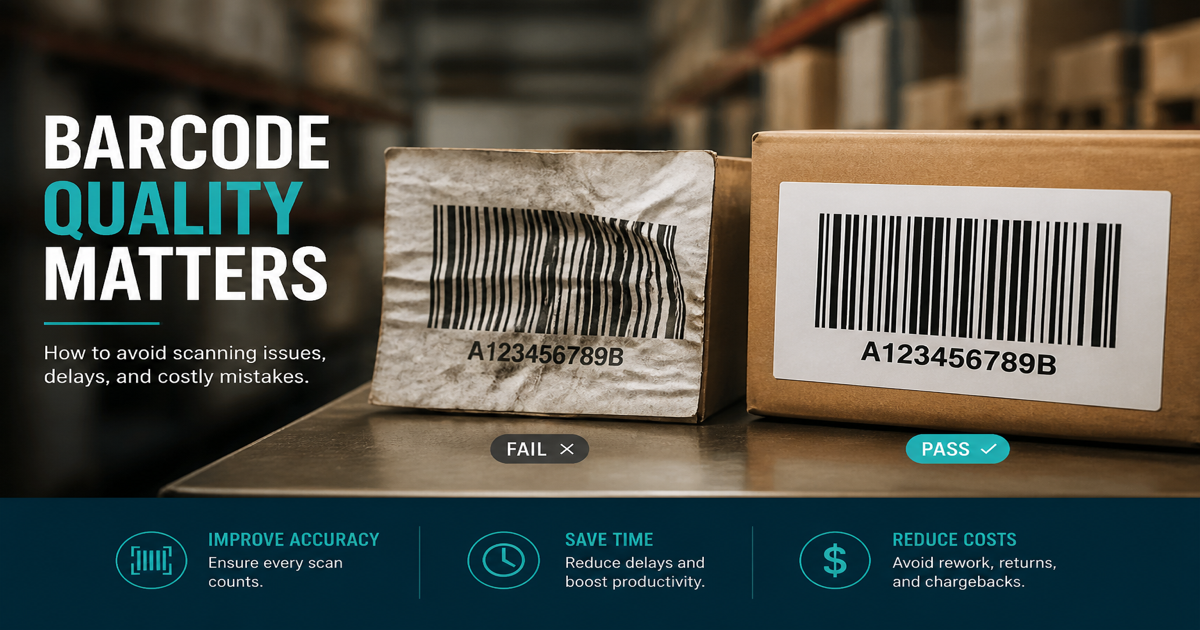
Most barcode rejections trace to a short list of preventable errors—wrong check digits, invaded quiet zones, and bars that are too small for the scanner environment. Fixing them before a print run is cheaper than relabeling inventory. Generate corrected symbols with the Barcode Generator and proof in the barcode scanner.
Why it matters
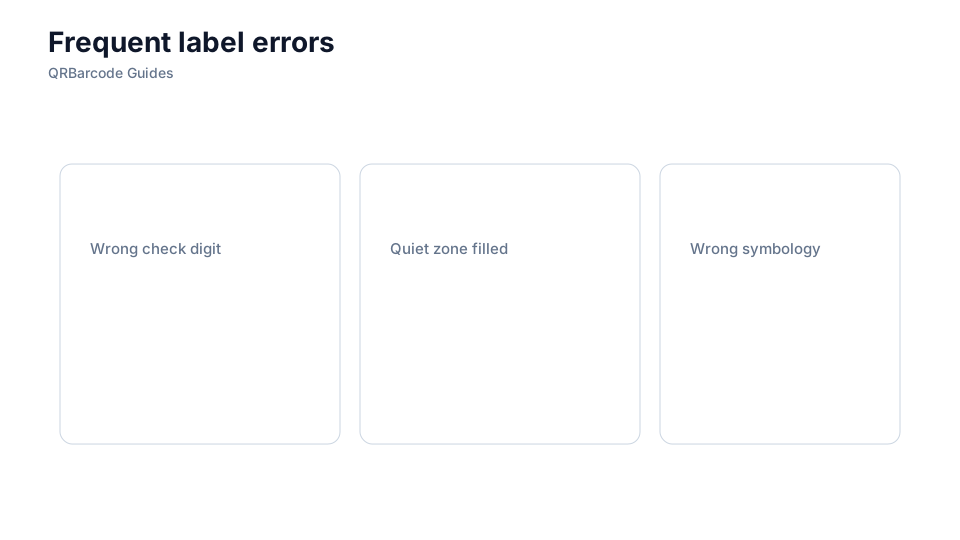
Trading partners rarely reject labels because the font is ugly; they reject them because data or dimensions violate GS1 or ISO rules. A single wrong check digit makes every unit unsalable. Quiet zones cropped for artwork cause intermittent scans that are harder to diagnose than a total failure. Undersized X-dimensions may work in the art department but not at the end of a high-speed checkout belt. Use this checklist alongside check digits and quiet zones.
How to apply it
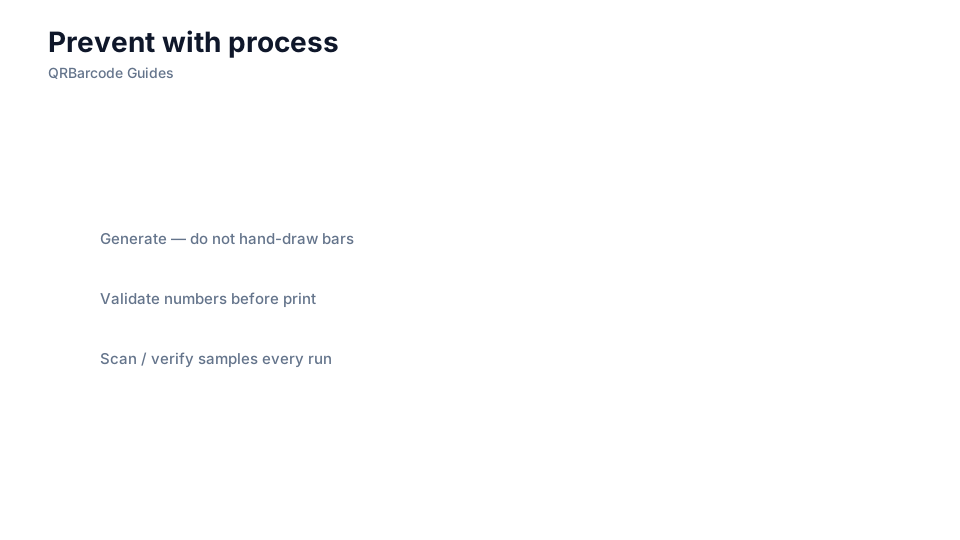
Run a preflight on every new SKU: validate data, measure quiet zones and X-dimension, scan on target hardware, and verify if your customer requires grades.
- Let the generator compute check digits—never hand-type GTINs from spreadsheets without validation.
- Measure quiet zones in the final PDF or plate file, not only in the isolated symbol preview.
- Match symbology to the process—do not put a marketing QR where a carton expects ITF-14.
- Reprint when labels are damaged; tape and marker touch-ups rarely restore ISO-compliant contrast.
Common mistakes
Repeated offenders include scaling bitmap barcodes in Word, swapping EAN and UPC lengths for export markets, and assuming a successful phone photo proves warehouse readability. Teams also forget to update ERP when packaging levels change, so cases scan as consumer SKUs. Drill into choosing a symbology and barcode verifiers when failures persist after data fixes.
Recommended tools
Validate data in the Barcode Generator hub, open symbology-specific tools such as EAN-13 or ITF-14, and confirm reads with Barcode Scan.