
Barcode Verifiers & Grades
Verifiers measure symbol quality against ISO/ANSI grades instead of a simple pass/fail scan.
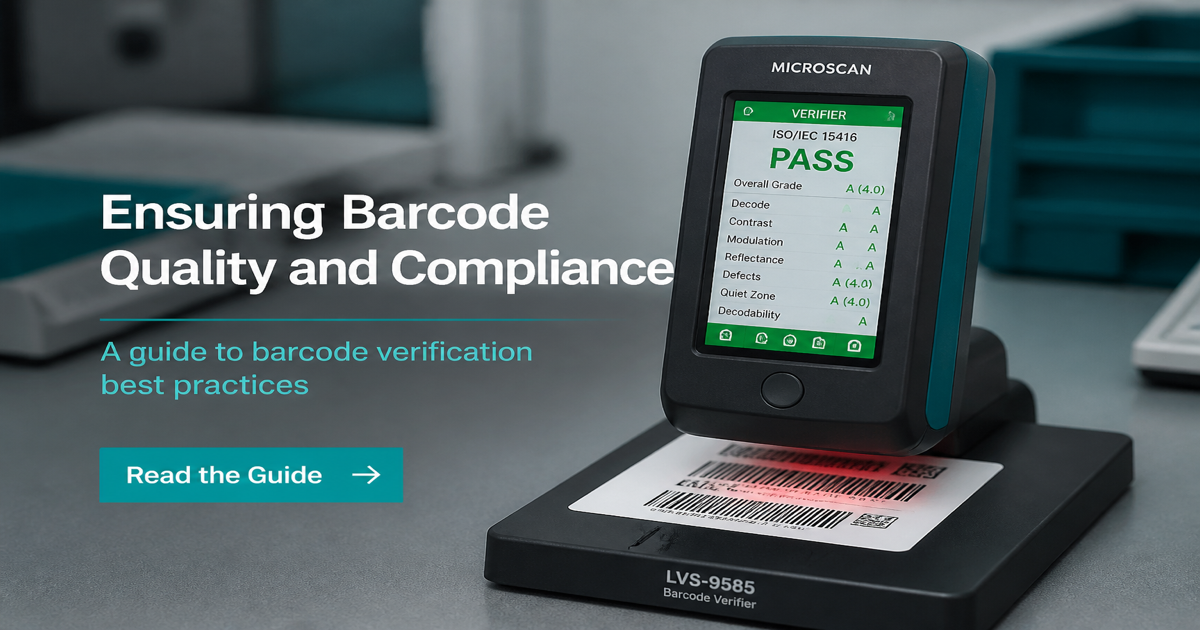
A barcode verifier grades symbol quality against ISO standards—not just whether one scanner beeps. That distinction matters when a retailer rejects ten thousand labels that “worked fine” in the office. Create reference symbols with the Barcode Generator and compare verifier output to reads from the barcode scanner.
Why it matters
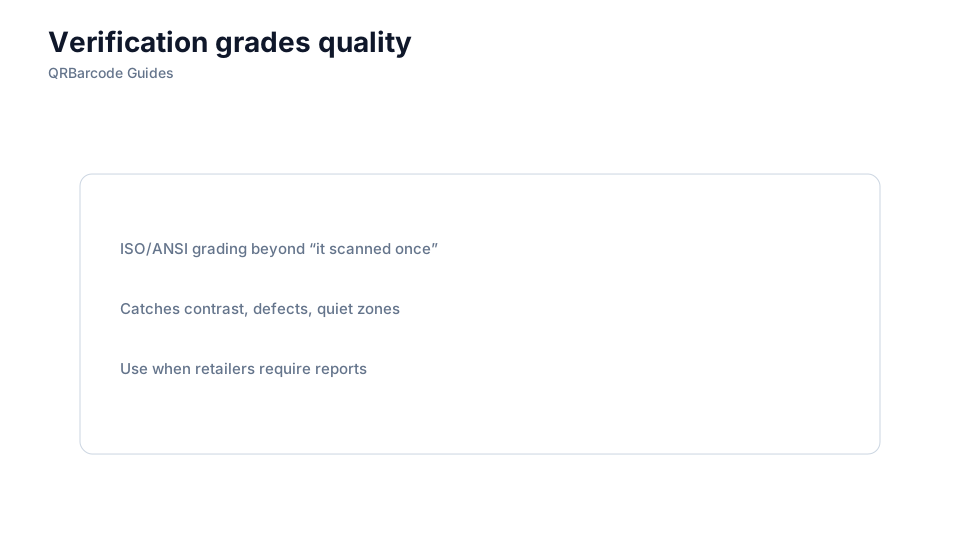
Verifiers measure parameters such as decode, edge contrast, modulation, defects, and quiet zone integrity, then assign a grade (typically A through F under ISO/IEC 15416 for 1D or ISO/IEC 15415 for 2D). Trading partners use these grades to accept or reject print runs before they hit the supply chain. A phone app or handheld gun that decodes once does not prove the symbol will scan after abrasion, curvature, or low contrast in the field. Read printing barcodes and quiet zones when you tune artwork for grade A or B targets.
How to apply it
Establish a verification SOP at first article: scan multiple samples from the start, middle, and end of a roll or print job, and log grades with press settings.
- Calibrate the verifier per manufacturer schedule and use the aperture size matched to your X-dimension.
- Verify on production material, not office paper—substrate reflectance changes grades dramatically.
- Test after converting, not only from on-screen PDF proofs that skip plate gain or dot gain.
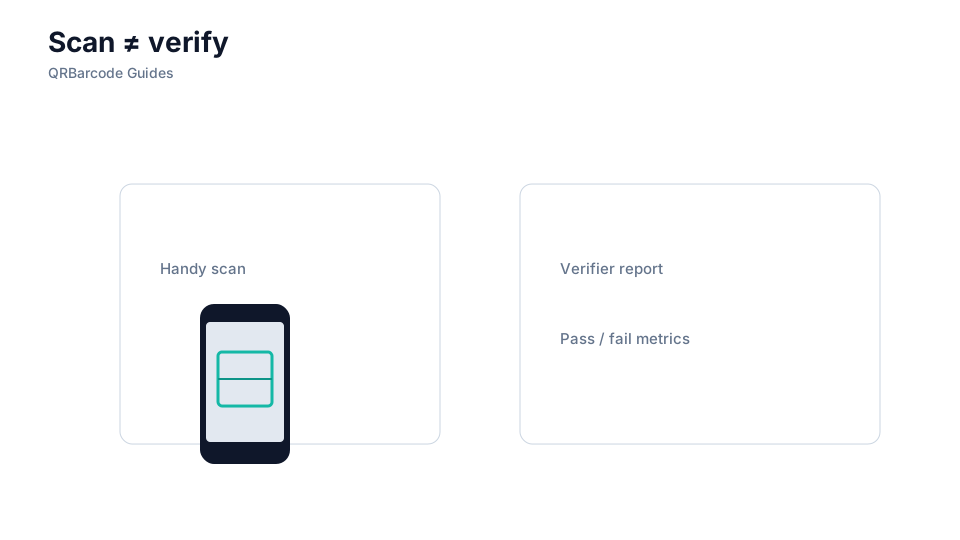
- Treat a passing handheld scan as a sanity check, not a substitute for ISO grading when contracts require it.
Common mistakes
Teams often verify only the first label, run jobs with worn plates or ribbons, and ship when any scan succeeds. Others buy a verifier but use the wrong ISO standard for 2D Data Matrix on curved parts. If grades slip, trace root causes in common barcode mistakes and barcode colors before reprinting.
Recommended tools
Generate controlled test patterns in the Barcode Generator hub, verify physical output, and spot-check field reads with Barcode Scan. For print setup, continue with thermal printing.