
Thermal Printing Barcodes
Direct thermal and thermal transfer printers dominate warehouse and shipping labels.
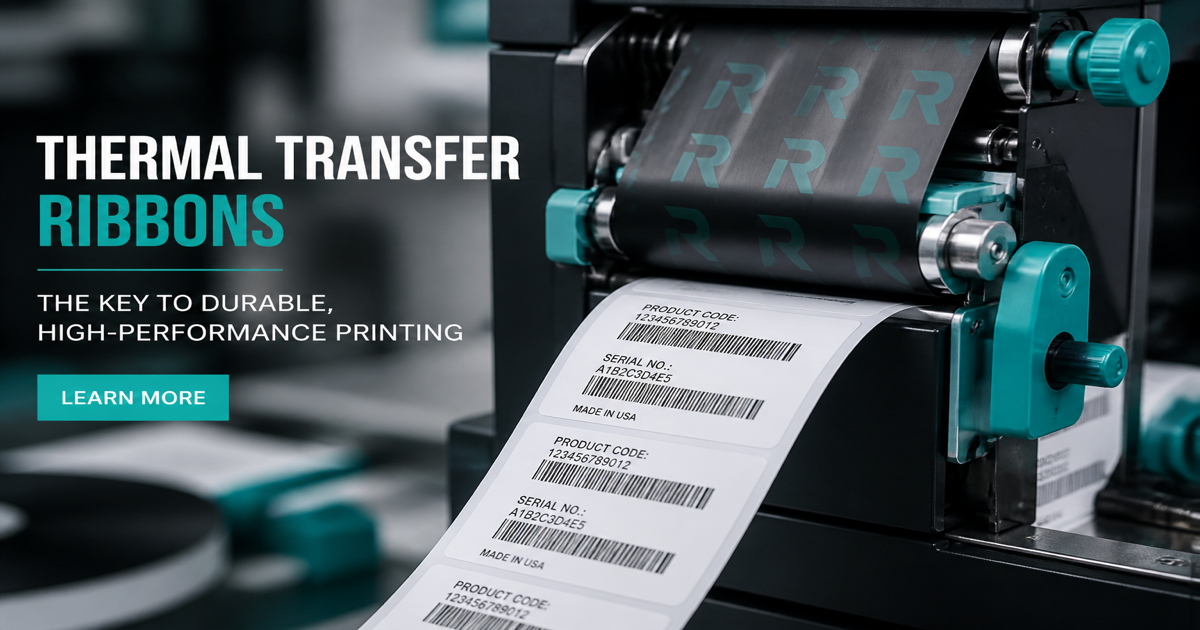
Most warehouse and shipping labels are printed on thermal hardware—either direct thermal or thermal transfer. Barcode quality depends as much on ribbon, media, and DPI settings as on the digits you encode. Build symbols in the Barcode Generator and scan proofs from your actual printer in the barcode scanner.
Why it matters
Direct thermal printers heat the label stock to form bars; transfer printers melt ribbon ink onto the surface. Each path affects edge sharpness, durability, and cost. A 203 dpi office printer may render Code 128 acceptably for internal bins, while a 600 dpi industrial line with wax-resin ribbon is expected for export cartons. Poor heat, worn printheads, or wrong ribbon type produce fuzzy bars that fail verifiers even when the encoded data is correct. Pair this guide with printing barcodes and warehouse labeling.
How to apply it
Match printer DPI, label material, and ribbon class to the environment—freezer, sunlight, abrasion—and calibrate darkness so bars are solid without spreading into spaces.
- Use thermal transfer with resin or wax-resin ribbon when labels must survive moisture, UV, or rubbing in transit.
- Set print darkness high enough for solid bars but low enough to avoid bar spread and voids in narrow elements.
- Clean the printhead on schedule; streaks often appear as vertical white lines through the symbol.
- Store direct thermal labels away from heat and sunlight if the stock is not top-coated for durability.
Common mistakes
Operators frequently blame the barcode font when the real issue is a 203 dpi driver scaling a symbol designed for 300 dpi, or a direct thermal label fading after two weeks in a sunny dock. Another mistake is swapping ribbon types without recalibrating—bars look bold but fail minimum reflectance. If grades drop suddenly, read barcode verifiers and barcode colors.
Recommended tools
Generate artwork in the Code 128 generator for WMS labels, export at native printer resolution, and verify with Barcode Scan. For broader print workflows, see printing barcodes.