
How to Choose a Barcode Symbology
Start from the scanner environment, data type, and available print space.
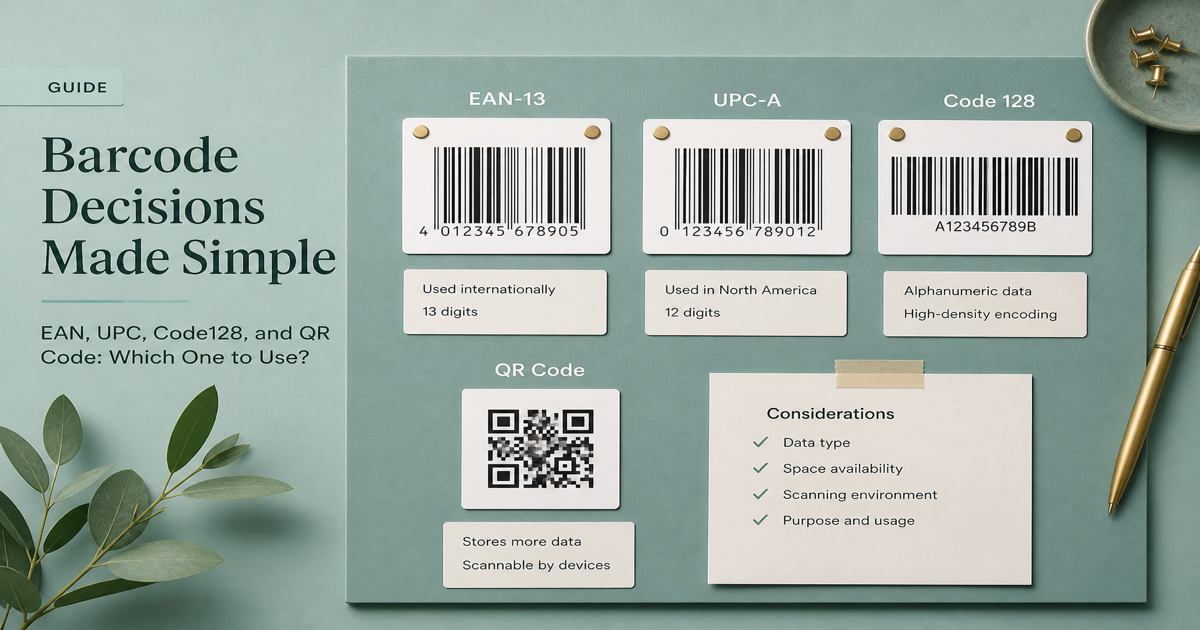
Choosing a barcode symbology should start from scanner environment, data type, and print space—not from whichever icon looks best in a mockup. The wrong choice forces expensive reprints and integration work. Explore formats in the Barcode Generator and compare decode behavior in the barcode scanner.
Why it matters
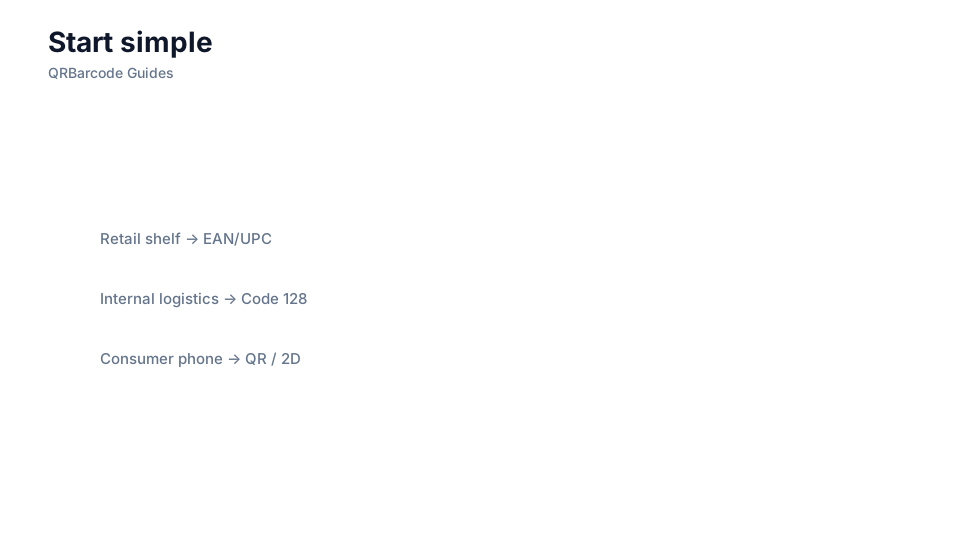
Retail checkout expects EAN or UPC. Carton receiving expects ITF-14 GTINs. Warehouses standardize on Code 128 or Code 39. Regulated parts often mandate Data Matrix. Consumer engagement favors QR. Each ecosystem has firmware, compliance docs, and partner mandates that do not overlap cleanly. Starting from aesthetics or a single vendor demo leads to symbols that decode in isolation but fail in production. Read barcode types and 1D vs 2D for a full map before you standardize.
How to apply it
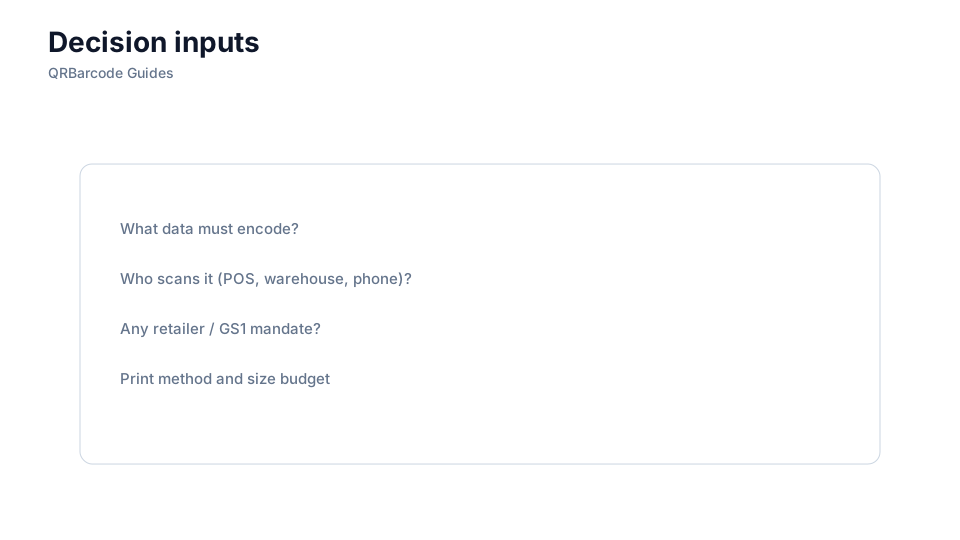
Write a one-page decision tree: identify who scans, what data length and charset you need, how much space you have, and which standards bind you—then pick the symbology that satisfies all four.
- List mandatory customer or regulator specs first; they override internal preferences.
- Estimate payload length—short numeric IDs favor 1D; serials and URLs may need 2D.
- Prototype the top two candidates and test on every scanner model you deploy.
- Document the chosen symbology in SKU setup so art and ERP teams cannot diverge silently.
Common mistakes
Teams pick QR for factory lines because marketing used it last quarter, or they deploy Code 39 for new lines when Code 128 would halve label width. Another trap is mixing symbologies for the same identifier type across sites. When stakeholders disagree, anchor the decision in Data Matrix vs QR and Code 128 vs Code 39 comparisons with real scan data.
Recommended tools
Browse the Barcode Generator hub, open tools such as EAN-13, Code 128, and Data Matrix, then validate samples in Barcode Scan.