
Barcode Quiet Zones
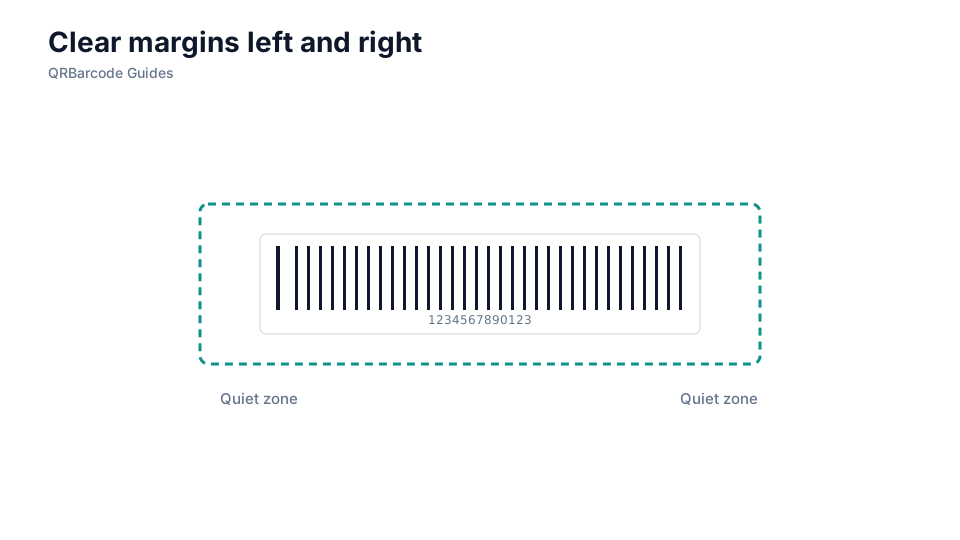
Quiet zones are the clear margins before and after a linear symbol or around a 2D code.
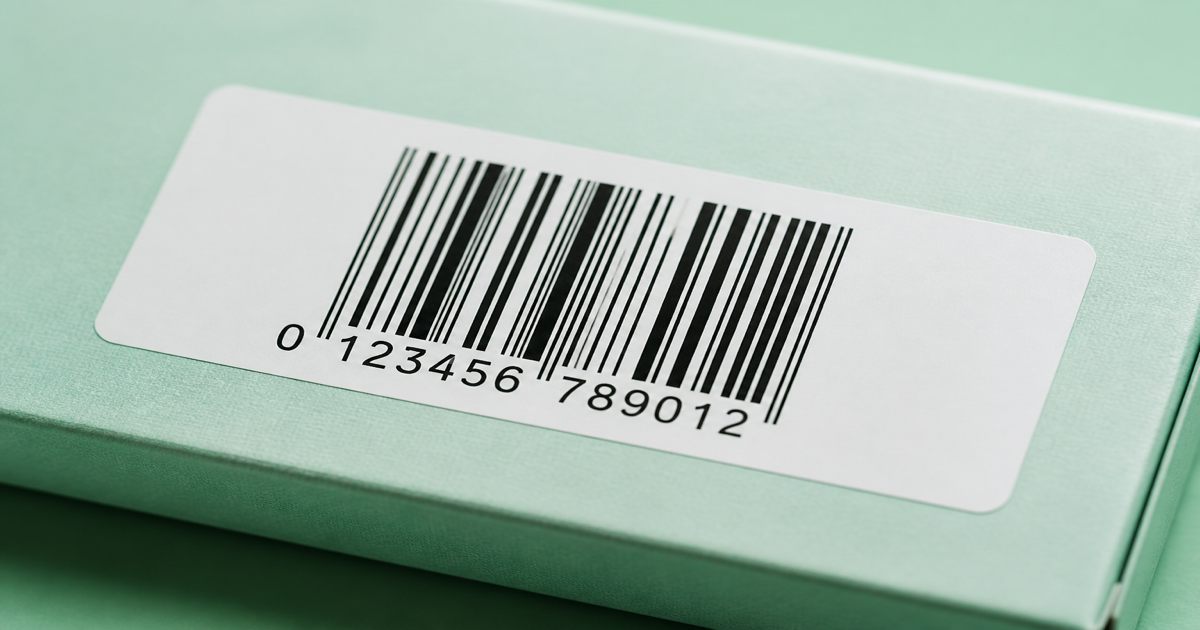
Quiet zones are the blank margins scanners need before they can lock onto a barcode. Without them, artwork that looks fine on screen may fail at the dock or checkout. Build symbols with the Barcode Generator and confirm decode in the barcode scanner before you print at scale.
Why it matters
A quiet zone is clear space around every edge of a symbol. For 1D barcodes it sits left and right of the first and last bars; for 2D codes it wraps the full perimeter. Scanners treat any text, borders, or background texture inside that margin as part of the code and lose sync. Retailers and GS1 partners often reject labels when quiet zones are invaded, even if a phone app still reads the sample. Pair this guide with barcode size guidelines and printing barcodes when you finalize artwork.
How to apply it
Treat quiet zones as non-negotiable real estate on the label, not leftover space for marketing copy. Export vector artwork from the generator, then check the finished layout in your label template before sending files to a converter or thermal printer.
- Reserve at least ten times the X-dimension (narrow bar width) on each side of a linear barcode—more if your retailer spec says so.
- Keep the same light background color through the quiet zone; do not fade bars into a gradient or photo.
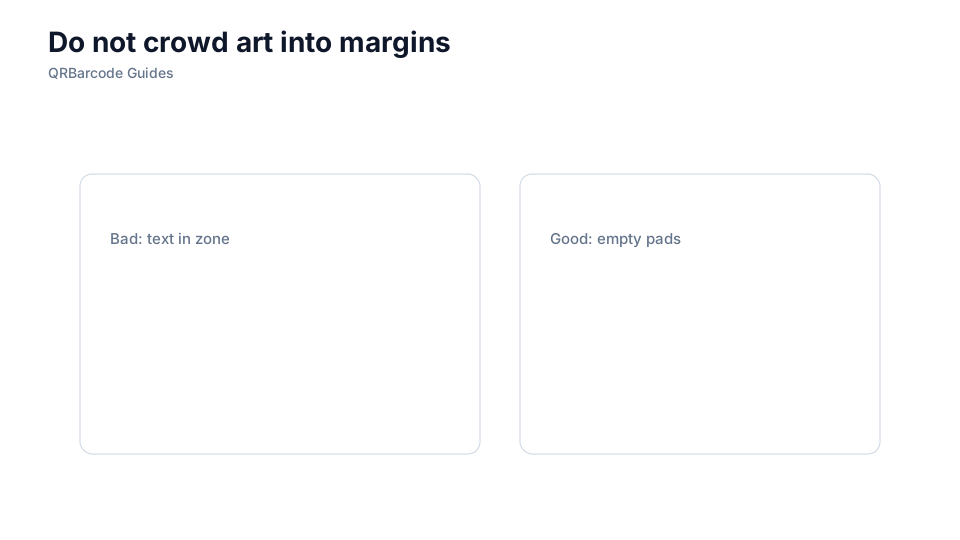
- Place human-readable text below the bars, not inside the side margins where start and stop patterns live.
- Proof on the same scanner type your partner uses—laser guns are stricter about margin violations than some phone apps.
Common mistakes
Designers often crop quiet zones to fit a tight pack face, or place a border box flush against the bars. Tape, varnish, and shrink-wrap can also encroach on the margin after production. If samples scan in the art department but fail in the warehouse, revisit common barcode mistakes and re-export with explicit quiet-zone padding.
Recommended tools
Start in the Barcode Generator hub, export SVG for your label vendor, and spot-check margins with Barcode Scan. For carton work, also read ITF-14 for shipping cartons.