
Barcode Check Digits
Check digits catch typos by validating a calculated final digit against the payload.
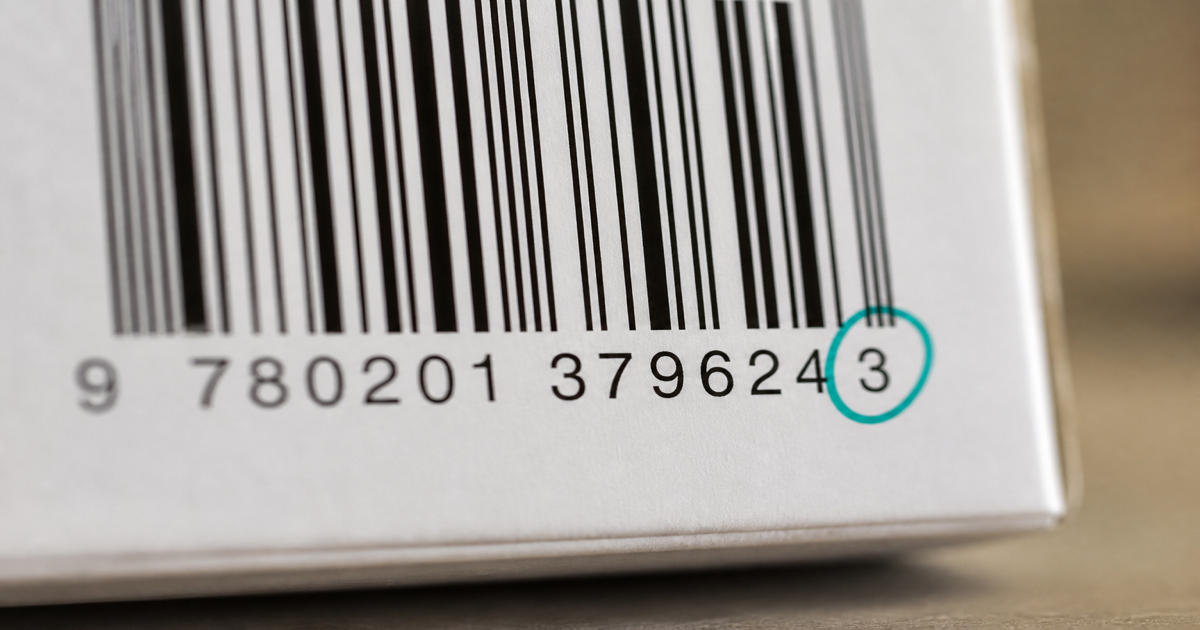
A check digit is the final character in many barcode numbers, calculated from preceding digits so scanners and databases catch typos. GTIN barcodes such as EAN-13 and UPC-A require a valid check digit assigned through GS1 rules—guessing breaks checkout and marketplace validation. Use the EAN-13 or UPC-A tools to compute it automatically, then verify in Barcode Scan.
Why it matters
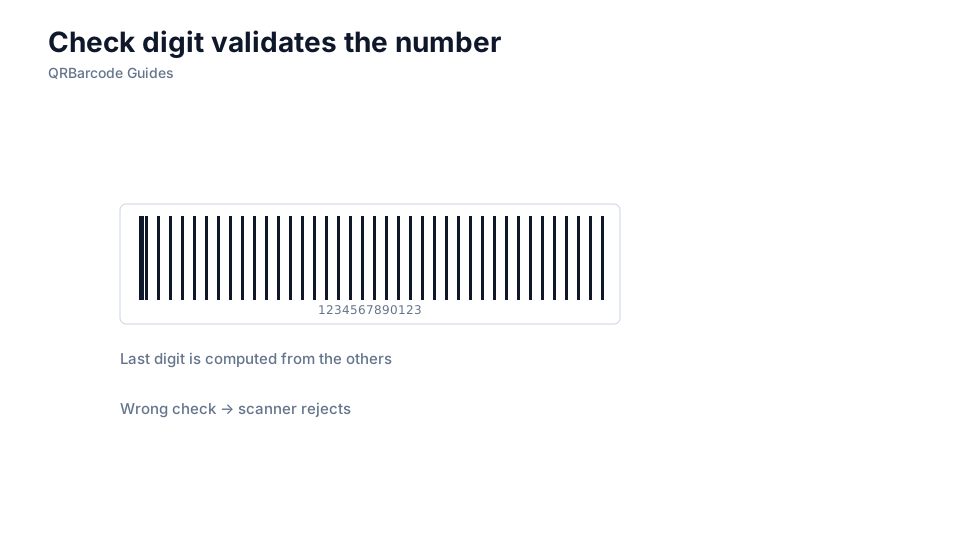
One wrong digit cascades into chargebacks, mis-picks, and delisted SKUs. Humans transpose numbers in spreadsheets; legacy ERP exports drop leading zeros; freelancers manually type 12 digits and pick a random last digit. The check digit is cheap insurance—it fails the barcode before a pallet ships to the wrong store.
How to apply it
Never hand-type GTINs without validation. Enter the company prefix and item reference in a generator that applies GS1 mod-10 weighting, or validate existing numbers before artwork. Cross-check results with EAN vs UPC and GS1 basics so prefix length and packaging levels stay consistent.
- Strip spaces and dashes from GTIN strings before calculating or encoding.
- Preserve leading zeros—UPC and GTIN-14 identifiers are fixed width and lose meaning when truncated.
- Regenerate barcode images after any digit change; do not edit the human-readable text alone.
- Scan proof labels and compare decoded digits to your master data record.
Common mistakes
The most common failure is editing the item reference in Excel without recalculating the check digit, then printing ten thousand labels. Another is assuming Code 128 check characters follow GTIN math—they do not. If partners reject files, re-read GS1 basics to confirm you licensed the GTIN properly.
Recommended tools
Open EAN-13, UPC-A, or the full Barcode Generator for symbologies with built-in checksums, and confirm scans in Barcode Scan.