
Testing QR Codes Before Print
Verify artwork with phone cameras and, when possible, the scanners your venue uses.
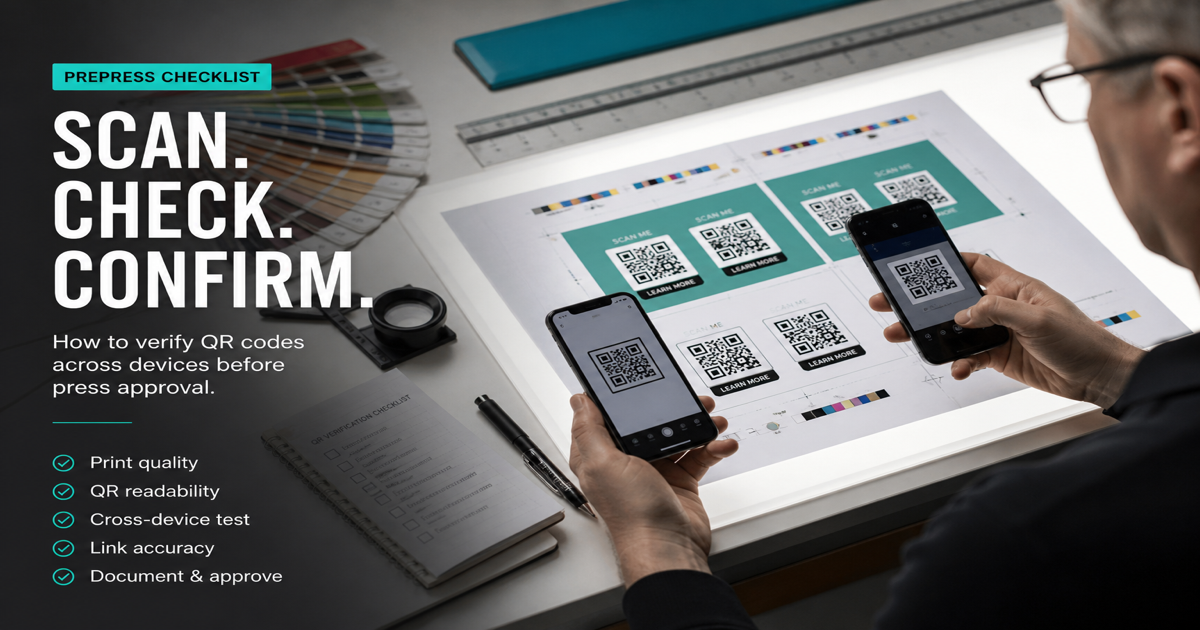
Testing QR codes before print is the cheapest insurance against a costly reprint. A five-minute scan pass on multiple phones catches quiet-zone crops, contrast failures, and dead links that PDF proofs never reveal. Generate finals in the QR code generator, run digital checks in the QR scanner, then order a physical proof before the production run.
Why it matters
Prepress teams verify color and registration; they rarely validate that a phone camera reads modules at the intended distance. Packaging, signage, and event materials fail in the field when only desktop mockups were reviewed. Combine this checklist with printing QR codes and how to scan so designers and print buyers share the same definition of done.
How to apply it
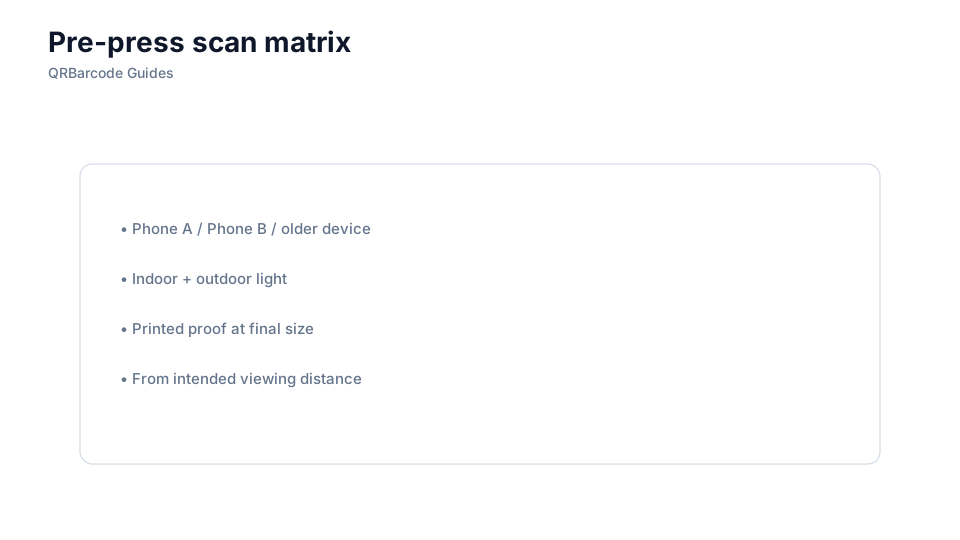
Test in three phases: on-screen after export, on a home or office printer if size allows, and on the vendor's physical proof under realistic lighting.
- Scan at the minimum and maximum distances your placement expects — counter codes and billboard codes differ.
- Verify the destination on cellular data, not only WiFi, to mimic real user conditions.
- Retest after any art change, even minor logo or color tweaks that touch the code area.
Common mistakes
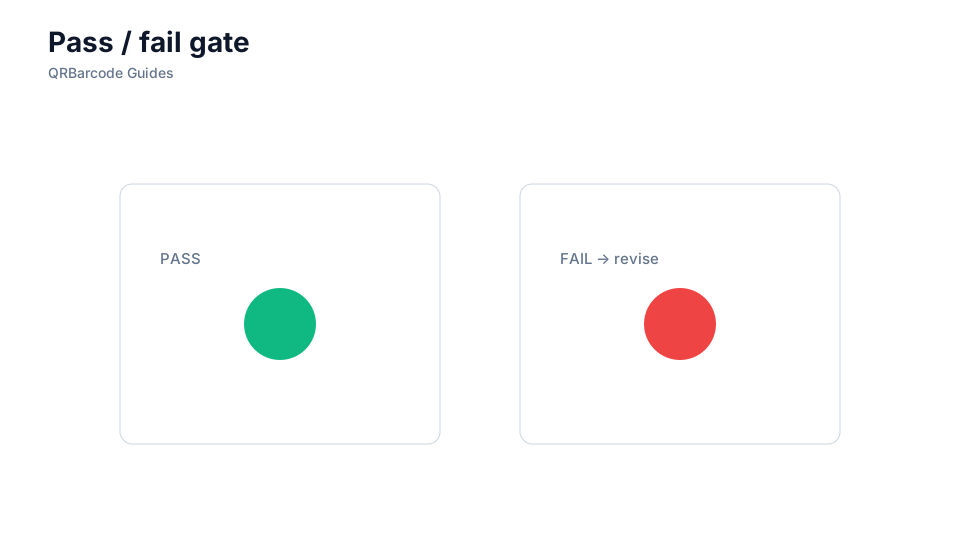
Skipping proof scans because "we used the same QR last year," approving glossy samples without a matte production run, and testing only on the marketing lead's phone are how good campaigns ship broken. Document pass/fail criteria so vendors know a unscannable proof is a hold, not a ship. Cross-reference common mistakes when diagnosing failures.
Recommended tools
Export from the URL QR tool, validate digitally in the QR Code Scan tool, then keep a signed proof scan log with device models and dates before approving press.