
QR Codes for Outdoor Signage
Billboards and sidewalk signs need larger modules and high contrast for distance scanning.
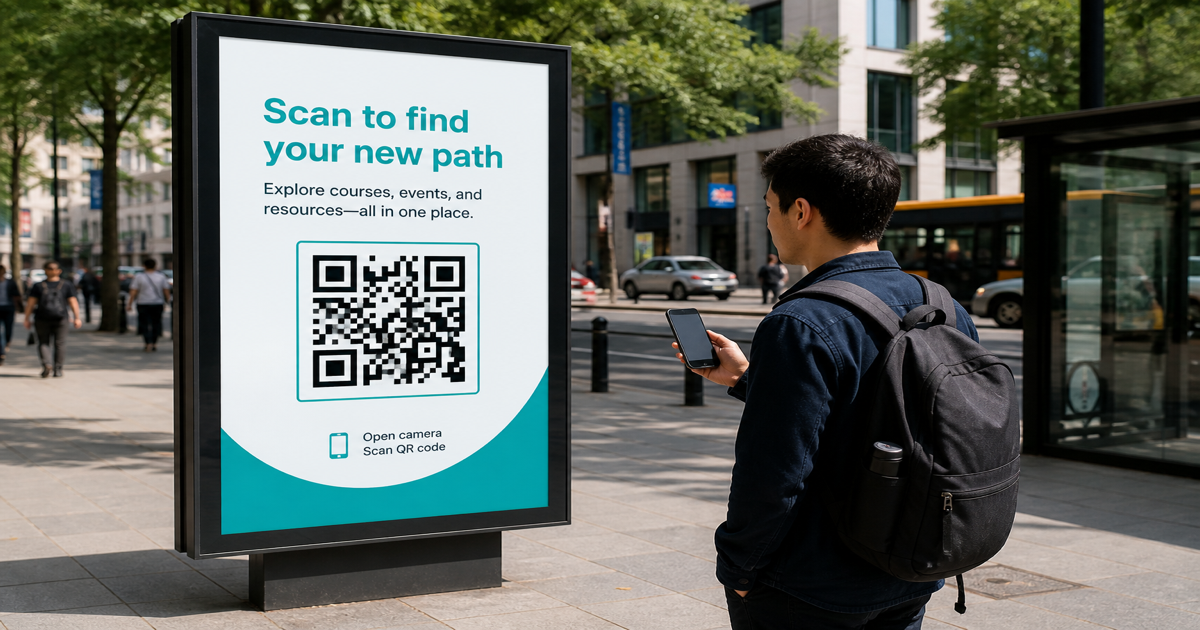
Outdoor QR signage — billboards, transit shelters, storefront posters, and yard signs — must work at distance, in glare, and often from a moving phone. Module size, contrast, and placement matter more than on a tabletop flyer. Draft codes in the QR code generator, then walk the site and scan with the QR scanner at the distance you expect pedestrians or drivers to use.
Why it matters
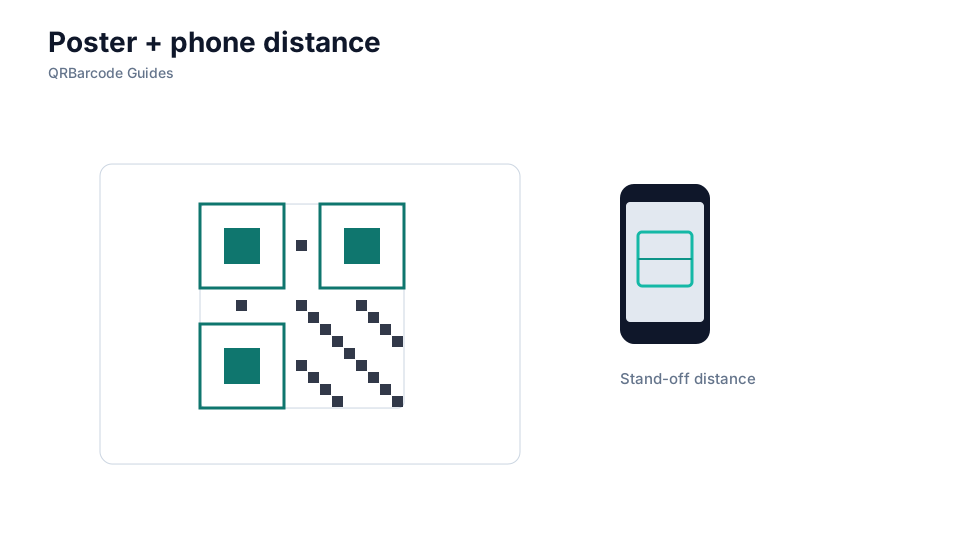
Sunlight washes out low-contrast palettes, rain obscures glossy laminates, and codes placed too high or too small never fill the camera frame. A sidewalk poster scanned from two meters away needs dramatically larger modules than a menu QR on a counter. Study QR size guidelines and colors and contrast before specifying outdoor specs to your sign vendor.
How to apply it
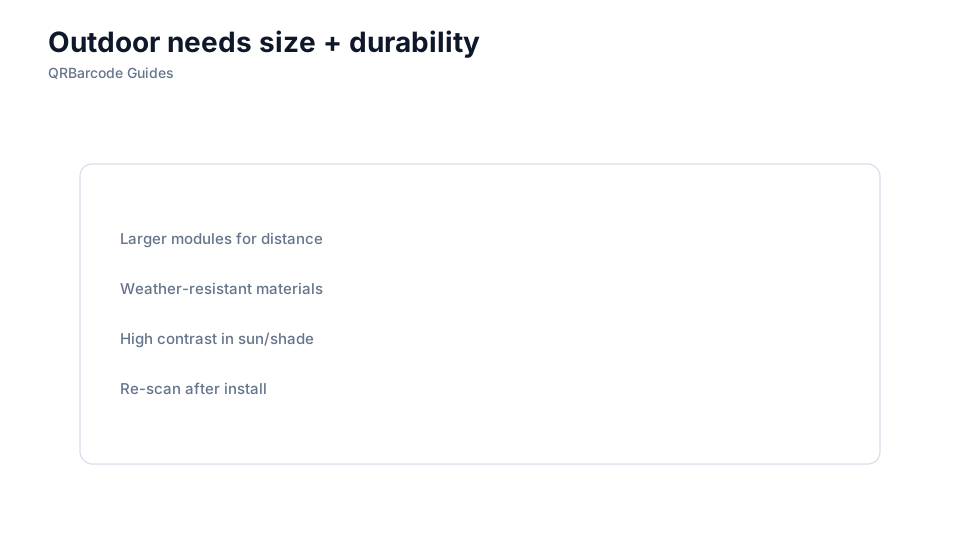
Size the code for the farthest realistic scan distance, use matte or anti-glare finishes, and add a short call-to-action telling people where to point their phone.
- Favor dark modules on white or yellow backgrounds that stay readable in direct sun.
- Mount signs between roughly 1.2 m and 1.8 m when possible so users are not reaching overhead.
- Keep payloads short — use a redirect URL rather than a long static link on large-format boards.
Common mistakes
Billboard QRs sized for close-range menus, glossy vinyl that mirrors sky glare, and codes placed in shadow while the background blazes are typical outdoor failures. Never assume a digital mockup at arm's length equals a sidewalk experience — field-test at the installed location. See testing before print for a proof checklist adapted to signage.
Recommended tools
Create redirect-backed URL codes in the URL QR tool, export high-resolution SVG for your sign shop, and verify scans on site with the QR Code Scan tool at day and night.