
How Do QR Codes Work?
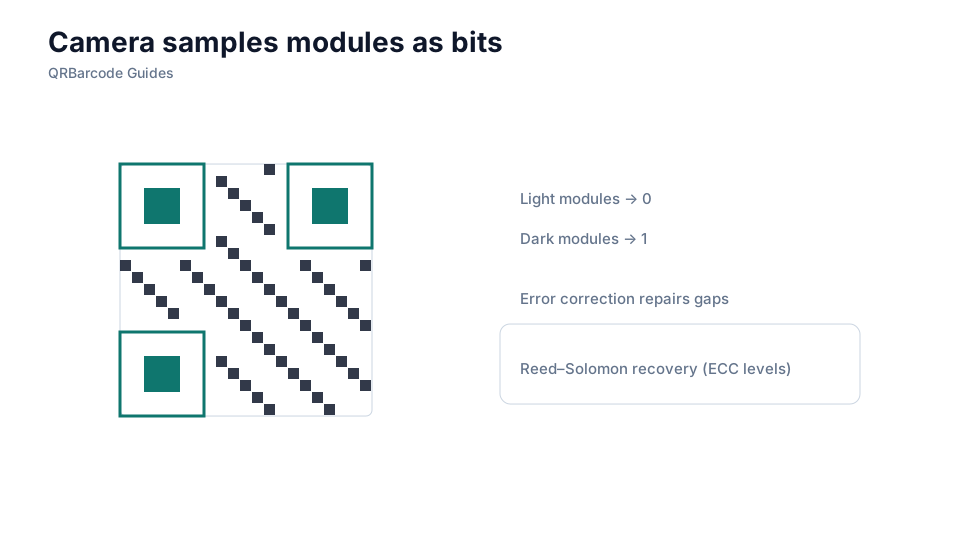
Cameras locate finder patterns, sample modules, then reconstruct the encoded bitstream.
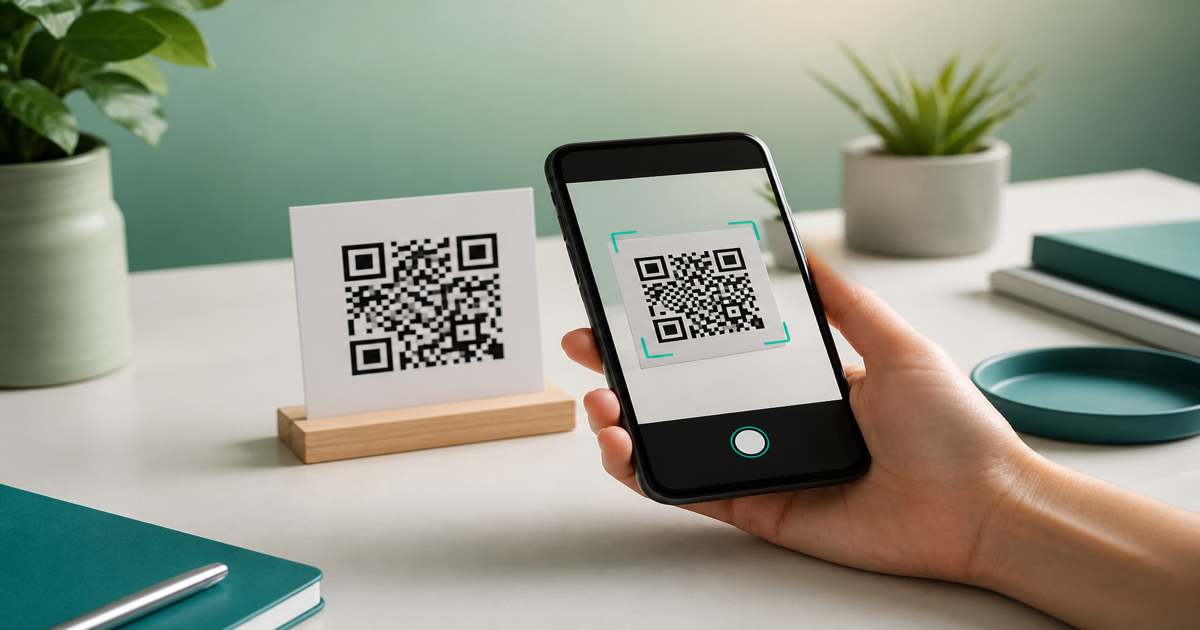
When you point a phone camera at a QR code, software locates three large square finder patterns in the corners, determines the code orientation and module size, then reads each dark and light cell as binary data. That bitstream is decoded according to the QR specification into the original payload—a URL, text string, or structured record. Generate a sample with our QR code generator and watch the decode happen in the QR scanner.
Why it matters
Knowing the decode pipeline explains why design choices matter. If finder patterns are obscured, contrast is too low, or modules are smaller than the camera can resolve, the read fails before any URL opens. Error correction adds redundant data so partial damage or logo overlays still allow recovery. This is why a pretty but poorly structured code scans worse than a plain black-and-white one.

How to apply it
Build a test code with a short URL in the URL QR tool, scan it at different distances and angles, then repeat with a longer URL to see how module density increases. Compare results against guidance in error correction levels and size guidelines.
- Understand that finder patterns (three corner squares) must remain unobstructed for any scanner to lock on.
- Recognize that timing patterns along the edges help the reader map individual modules across the grid.
- Know that higher error correction adds redundant codewords, trading capacity for resilience.
- Match module size to expected scan distance—farther scans need physically larger codes.
- Verify decoded output matches your intended payload, not just that the camera recognized something.
Common mistakes
Assuming any camera will read any QR code leads to field failures. Glossy lamination creates glare that washes out modules, and curved surfaces distort the grid beyond what error correction can fix. Another mistake is encoding raw Unicode or special characters without checking how your generator handles encoding modes—some tools silently shorten or corrupt the payload.
Recommended tools
Use the QR Code Generator to create controlled test samples, then confirm decode results in the QR Code Scan tool. For foundational context, start with what is a QR code; for production sizing, continue to QR code size guidelines.