
What Is a QR Code?
A QR code is a two-dimensional matrix barcode that stores data in a square grid of modules.
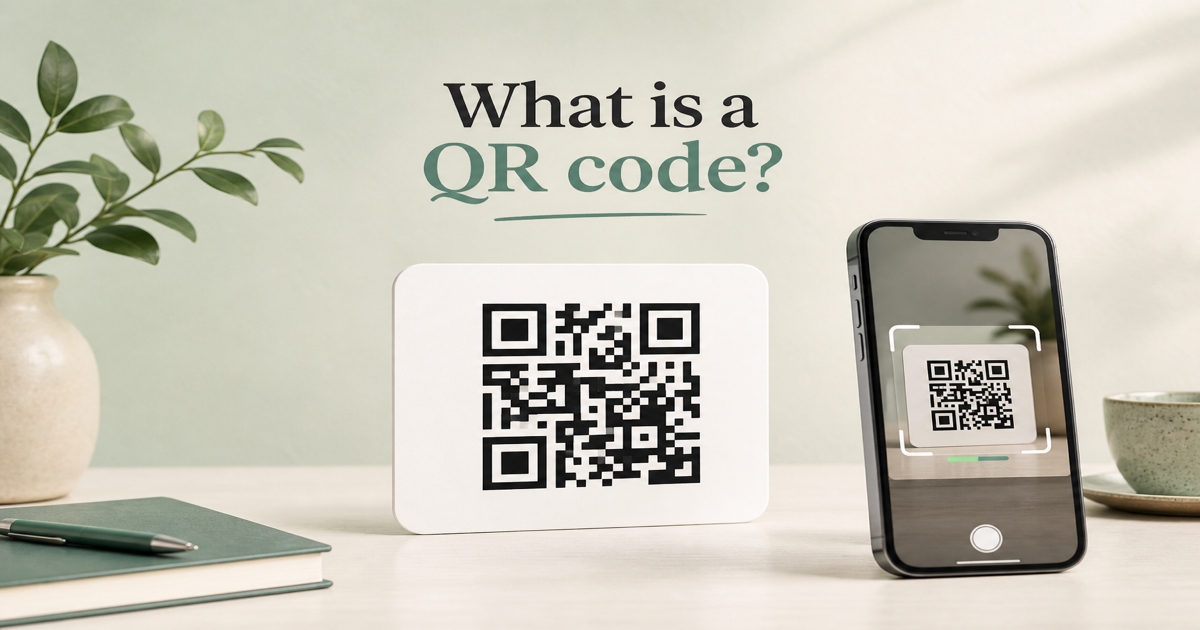
A QR code (Quick Response code) is a two-dimensional matrix barcode made of square modules arranged in a grid. Unlike a one-dimensional barcode that stores a short string of digits, a QR code can hold URLs, contact cards, WiFi credentials, plain text, and more in a compact square. You can create one in seconds with our QR code generator and test it immediately in the QR scanner.
Why it matters
QR codes bridge the gap between physical media and digital actions. A poster, product label, or business card can trigger a website visit, app download, or contact save without typing. Because the pattern is standardized (ISO/IEC 18004), any modern smartphone camera can read it. Understanding what a QR code is helps you choose the right payload type and avoid treating it as mere decoration.
How to apply it
Start by deciding what action you want a scan to trigger. For a landing page, use the URL QR tool. For sharing contact details, try the vCard generator. For guest WiFi, the WiFi QR tool encodes SSID and password in one scan.
- Pick a payload type that matches the user action—URL, vCard, WiFi, or plain text.
- Keep the encoded data as short as possible to reduce module density and improve scan speed.
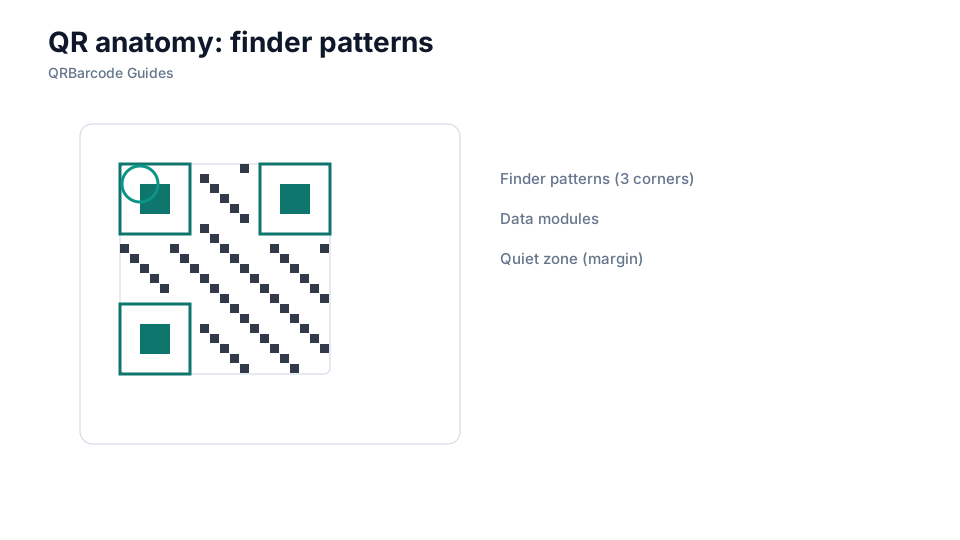
- Leave a quiet zone (blank margin) of at least four modules on every side of the code.
- Use high contrast: dark modules on a light background work best for phone cameras.
- Test the finished code on both iOS and Android before printing or publishing.
Common mistakes
The most common mistake is embedding a long, untracked URL that makes the matrix too dense to scan reliably. Another is placing logos or text inside the quiet zone, which breaks the finder patterns cameras rely on. Treating every QR code as interchangeable—when static and dynamic codes behave very differently—is covered in our static vs dynamic guide.
Recommended tools
Build your first code in the QR Code Generator hub, then validate it with the QR Code Scan tool. When you are ready to go deeper, read how QR codes work and static vs dynamic QR codes to plan campaigns that stay scannable for months.