
What Is a Barcode?
A barcode encodes data as a visual pattern that scanners convert into digital identifiers.
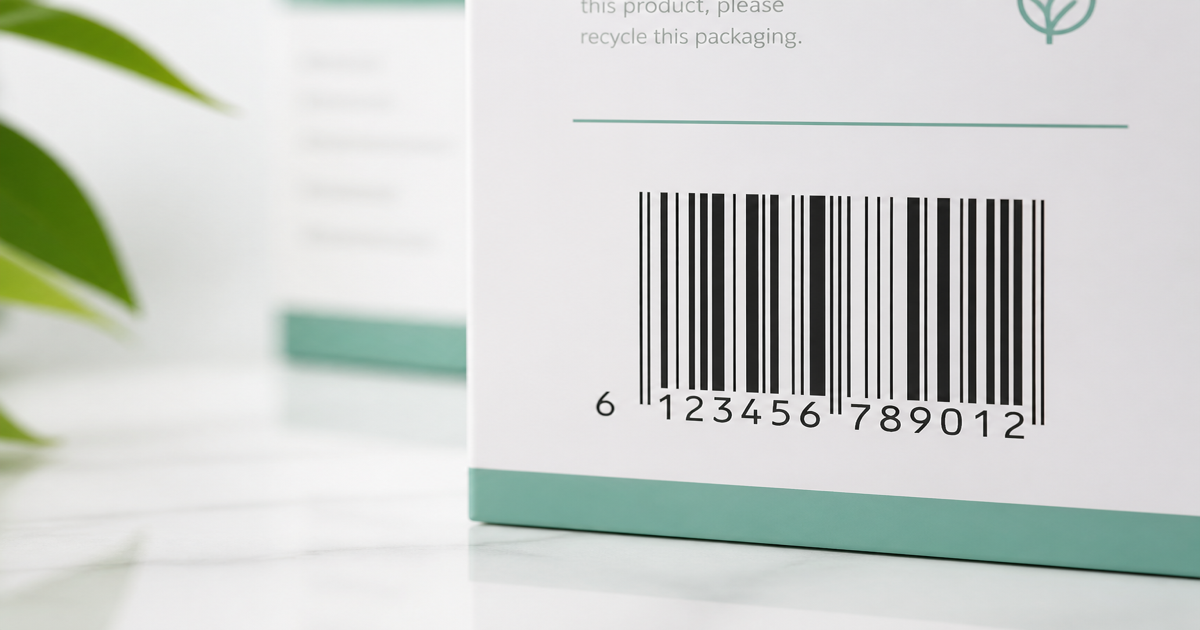
A barcode is a machine-readable pattern—usually parallel bars or a square matrix—that encodes identifiers such as product numbers, serials, or batch codes. Scanners convert light reflected off the symbol into digits your POS, WMS, or ERP already understands. Build artwork in the Barcode Generator and confirm decode with Barcode Scan before you print.
Why it matters
Barcodes sit at the boundary between physical goods and digital records. A cashier ringing up a cereal box, a dock worker receiving a pallet, and a nurse scanning a medication vial all depend on the same idea: a reliable visual token that maps to one canonical ID. When the symbol fails, checkout slows, inventory drifts, and compliance audits stall. Understanding what a barcode is—not just how it looks—helps you pick symbologies your partners accept and avoid reprinting entire label runs.
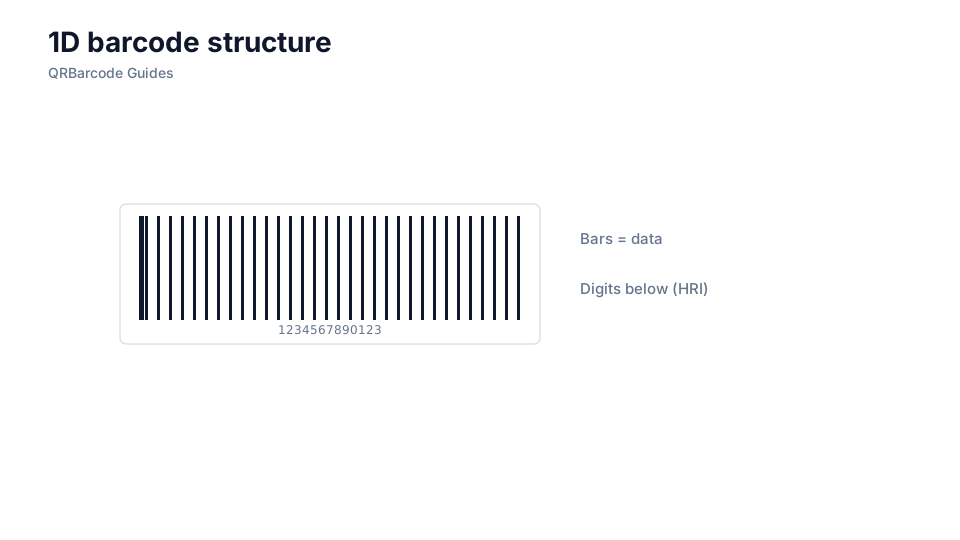
How to apply it
Start by naming the data you must encode and the scanner that will read it. Retail shelf labels usually need a GTIN in EAN or UPC form; warehouse tote labels often use Code 128 with an internal SKU. Once the symbology is fixed, generate vector artwork, preserve quiet zones, and proof on the actual hardware. Our overview of barcode types and 1D vs 2D barcodes walks through the most common choices.
- Define the payload first—GTIN, serial, lot, or free text—and match it to a symbology your scanners support.
- Export SVG for label vendors or high-resolution PNG for in-house thermal printers; avoid upscaling low-res bitmaps.
- Leave blank quiet zones on both sides of 1D codes; do not crop bars or place text inside the margin.
- Scan physical proofs under store lighting and warehouse glare before approving a production run.
Common mistakes
Teams often treat barcodes as decorative graphics and shrink them to fit tight packaging. That breaks magnification rules scanners expect. Another frequent error is encoding data without a valid check digit on retail GTINs, which causes rejections at marketplaces and POS. If you are unsure whether you need stripes or a matrix, read 1D vs 2D barcodes before committing artwork.
Recommended tools
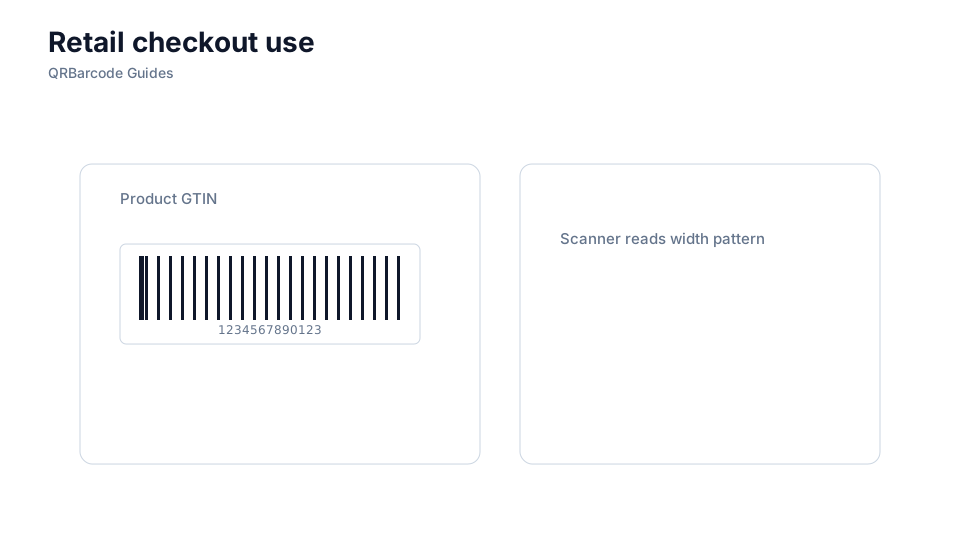
Open the Barcode Generator hub to pick a symbology, then validate samples in Barcode Scan. For retail GTINs, compare EAN-13 and UPC-A outputs side by side.