
QR Code Security Basics
Treat unknown QR codes like unknown hyperlinks — previews matter.
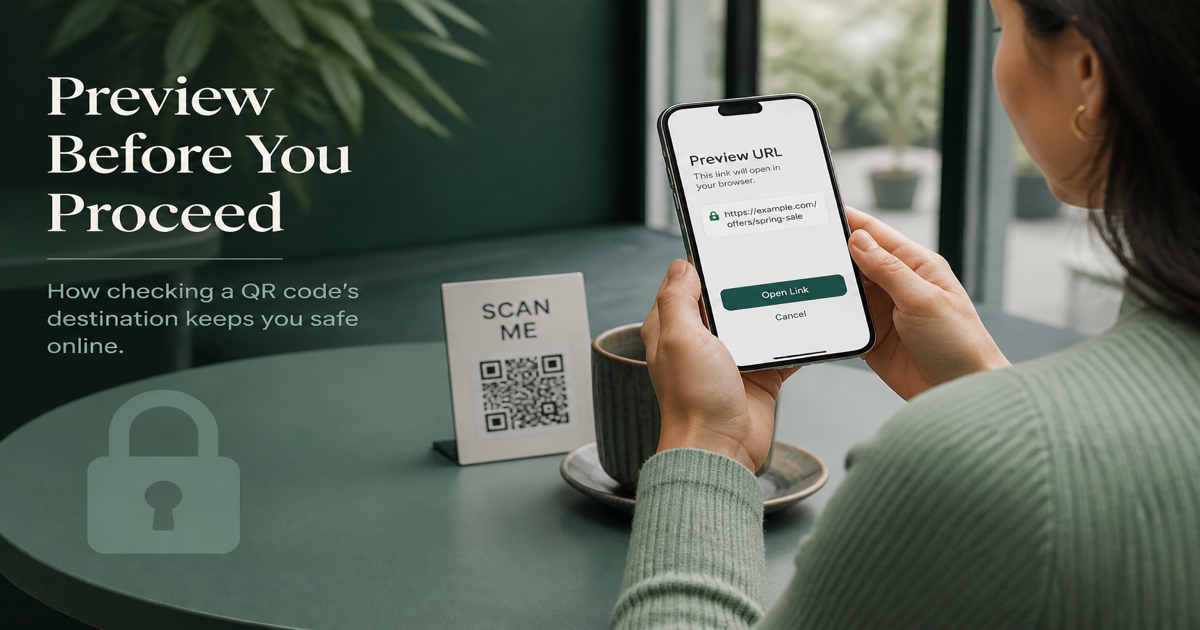
QR codes are neutral data containers—they encode whatever string you provide, with no built-in verification of intent. That means a code on a legitimate poster and a malicious sticker placed over it can look identical until scanned. Security for QR deployments means controlling what you encode, validating where codes are placed, and educating users to preview URLs before opening them.
Why it matters
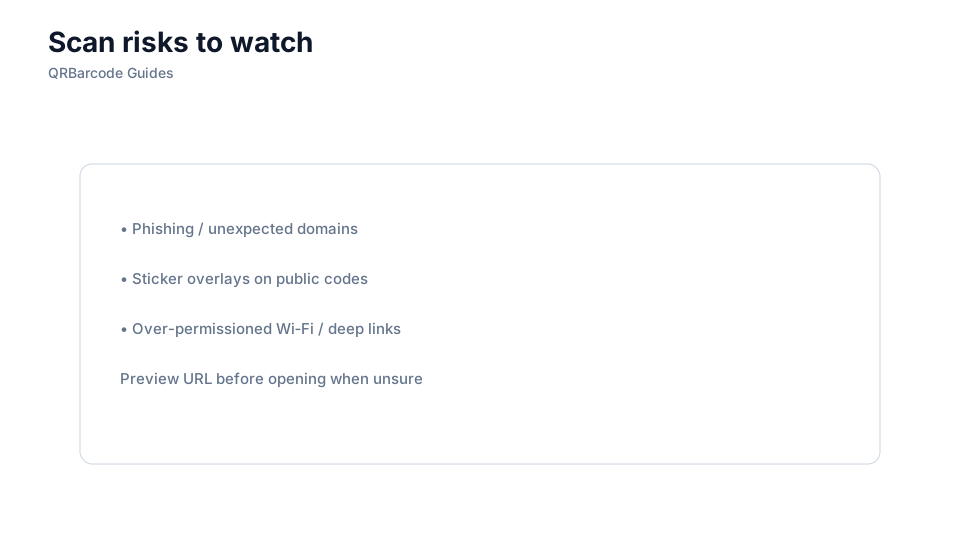
QR-based attacks usually exploit trust, not technical flaws in the QR standard. Quishing (QR phishing) places codes that lead to credential-harvesting pages, malware downloads, or payment scams. For businesses deploying codes, the risk is also reputational: if your printed code is defaced or replaced, customers blame your brand. A security-minded workflow covers generation, placement, monitoring, and user guidance.
How to apply it
Generate codes only through trusted tools like our QR code generator, encode HTTPS URLs exclusively, and avoid URL shorteners you do not control. Before printing, scan every proof in the QR scanner and confirm the destination. For public-facing codes, use tamper-evident labels or placements that make sticker-swapping obvious. Review static vs dynamic and QR code expiry to reduce dependency on third-party redirects.
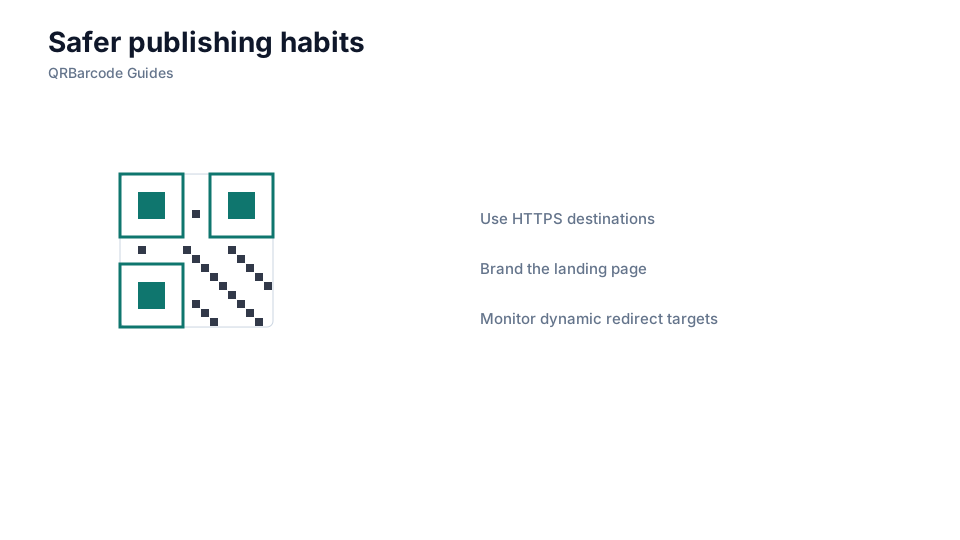
- Encode only HTTPS URLs from domains you own and control.
- Scan and verify every code before printing—confirm the decoded URL matches your intent.
- Place codes where tampering is visible: behind glass, on secured signage, or with tamper-evident seals.
- Avoid third-party redirect services you do not trust for security-sensitive destinations.
- Educate users to preview the URL shown by their phone before tapping, especially in public spaces.
Common mistakes
Using HTTP instead of HTTPS exposes users to man-in-the-middle attacks on the landing page. Printing codes that point to URL shorteners you do not control means anyone who compromises the shortener can redirect your audience. Leaving dynamic QR accounts shared across teams without access controls allows a former employee to change destinations silently. Ignoring physical tampering—especially on parking meters, restaurant tables, and public transit—is how quishing campaigns succeed.
Recommended tools
Build verified codes in the URL QR tool, test decode output in the QR Code Scan tool, and read how to scan to understand what your users experience when they encounter your codes in the field.