
Do QR Codes Expire?
The printed pattern does not expire, but the destination might.
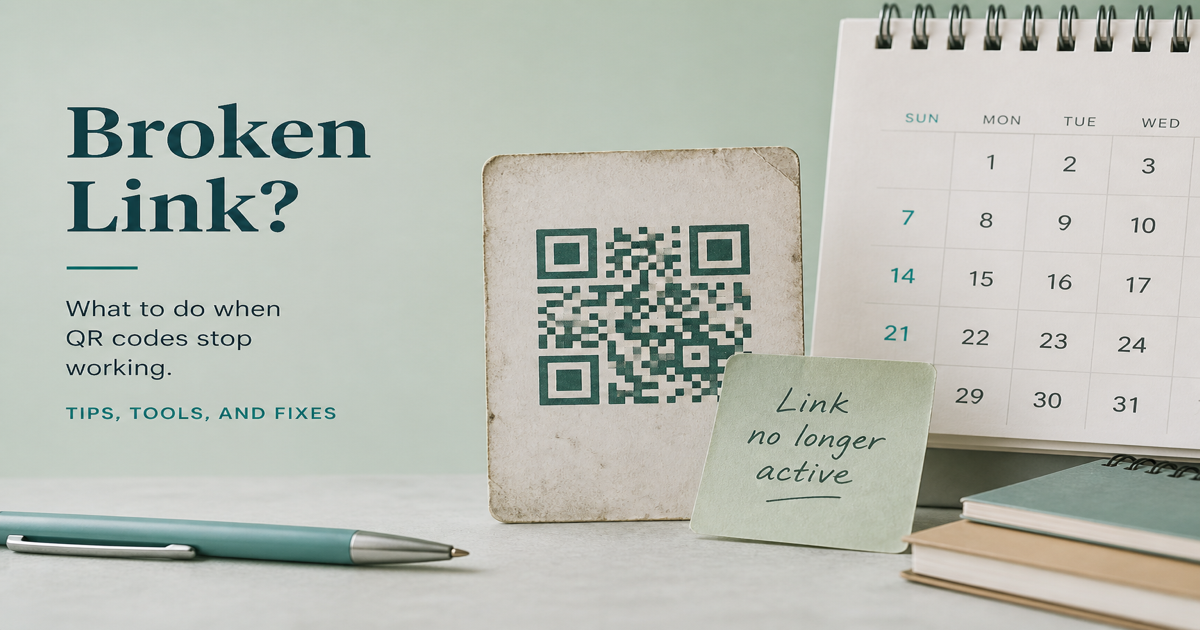
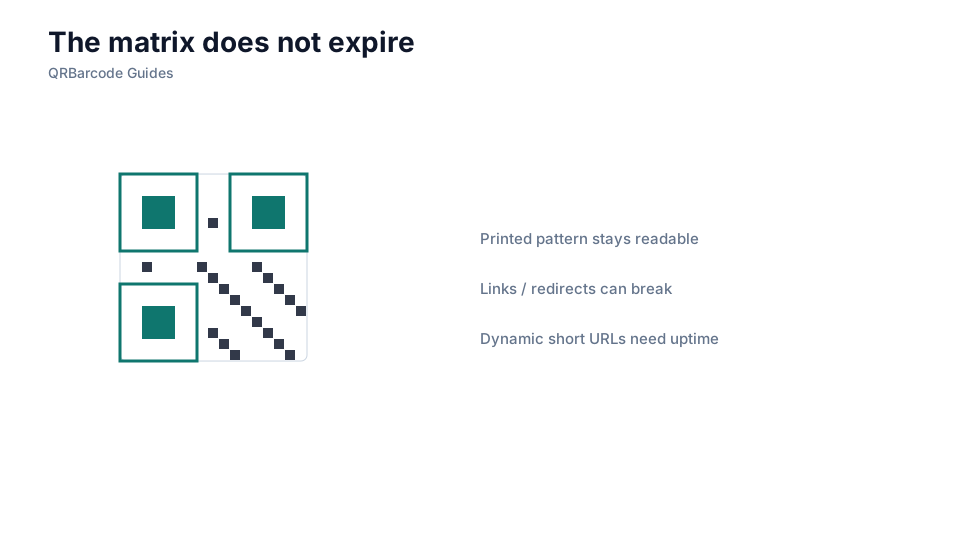
The QR code pattern itself never expires—it is a static image of encoded data that remains readable indefinitely as long as the physical print or digital file survives. What can expire is the destination behind the code: a dynamic redirect link, a promotional landing page, a limited-time coupon URL, or a hosting account tied to the encoded address.
Why it matters
Confusing code longevity with link longevity causes expensive mistakes. Teams print thousands of static QR codes pointing to campaign URLs, then take the landing page offline when the promotion ends—scans still decode, but users hit a 404. Dynamic QR services add another layer: the printed pattern stays the same, but if the redirect service account lapses, every scan fails. Plan expiry at the content level, not the matrix level.
How to apply it
For permanent use cases—WiFi credentials, contact cards, product documentation—encode the final payload directly with the WiFi QR tool or vCard generator so nothing depends on an external redirect. For time-limited campaigns, use a dynamic URL via the URL QR tool and document when the redirect will be deactivated. Read static vs dynamic for the full comparison.
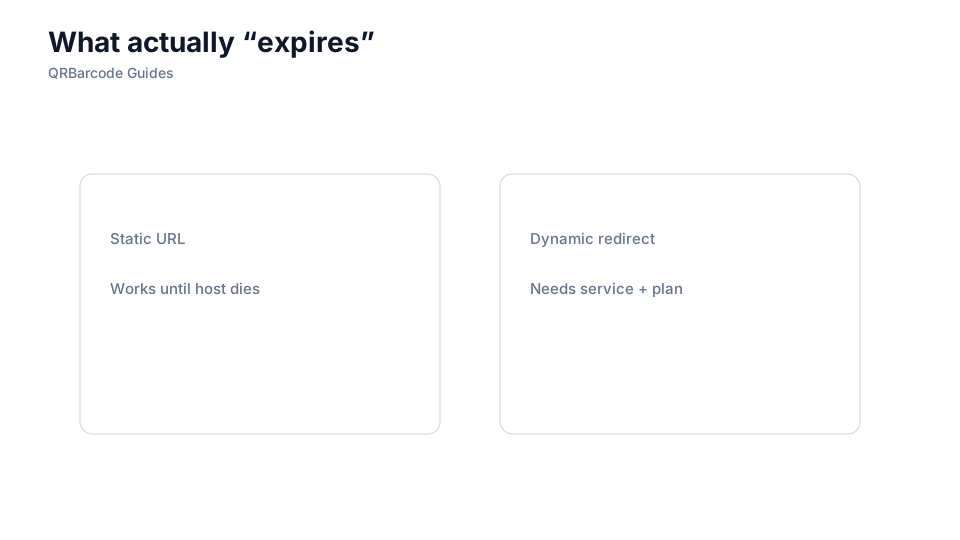
- Static QR codes with embedded URLs do not expire, but the linked page can go offline at any time.
- Dynamic QR codes depend on the redirect service remaining active and the account in good standing.
- Plan landing page lifetimes before printing codes on long-lived materials like packaging or signage.
- Use permanent URLs or redirects you control for assets meant to last years.
- Monitor dynamic QR accounts for renewal dates to avoid silent scan failures.
Common mistakes
Printing a QR code on product packaging that points to a seasonal campaign URL without a long-term fallback leaves customers with broken links years later. Relying on a free dynamic QR tier that limits scan counts or expires after a trial is equally risky for any material with a lifespan beyond a few months. Assuming "the IT team will handle the redirect" without documenting ownership leads to codes that break when staff change.
Recommended tools
Generate codes in the QR Code Generator, choose static or dynamic based on static vs dynamic guidance, and test live destinations in the QR Code Scan tool before committing to print.