
QR Code vs Barcode
Side-by-side guidance on choosing QR codes or linear/2D barcodes.
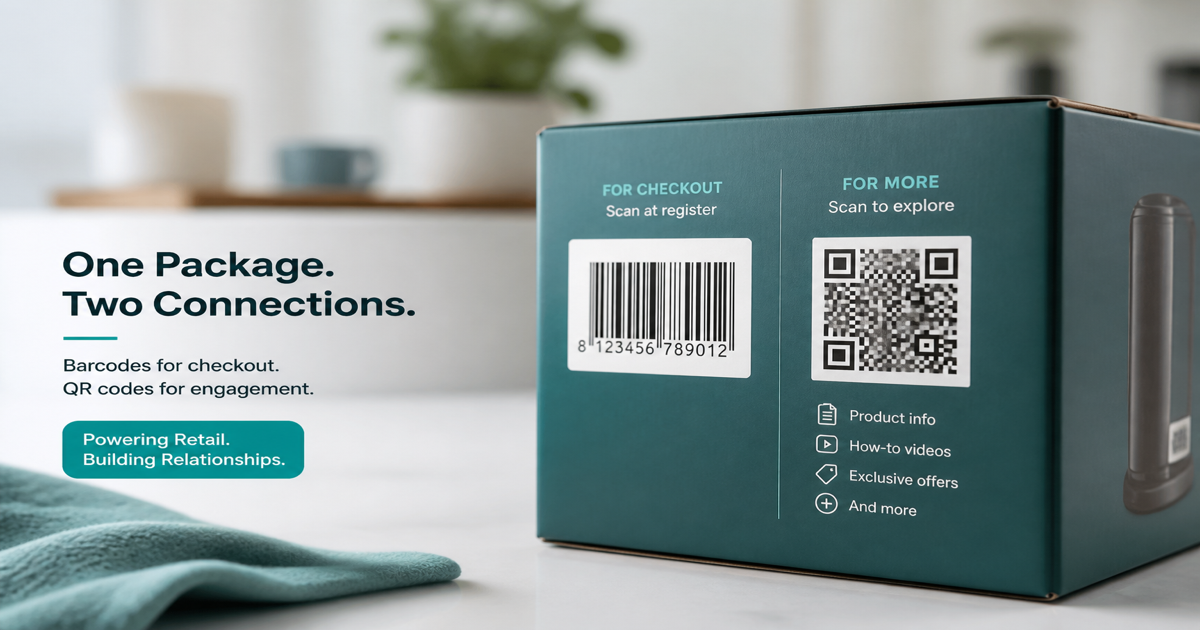
QR codes and barcodes both encode data visually, but they serve different audiences. A supermarket laser expects EAN or UPC stripes at checkout; a customer’s phone camera expects a square QR matrix for URLs, WiFi, or contacts. Choosing the wrong symbol means scans fail or systems reject labels. Use our QR Code Generator for consumer-facing codes and the Barcode Generator for retail and logistics IDs.
Why it matters
Retail supply chains standardized on linear barcodes decades before smartphones made QR ubiquitous. That history matters: POS databases, warehouse guns, and GS1 trading-partner specs still assume GTIN barcodes on selling units. QR excels where a person—not a fixed scanner—initiates the action. Many products need both: a barcode for checkout and a QR for manuals, registration, or marketing.
How to apply it
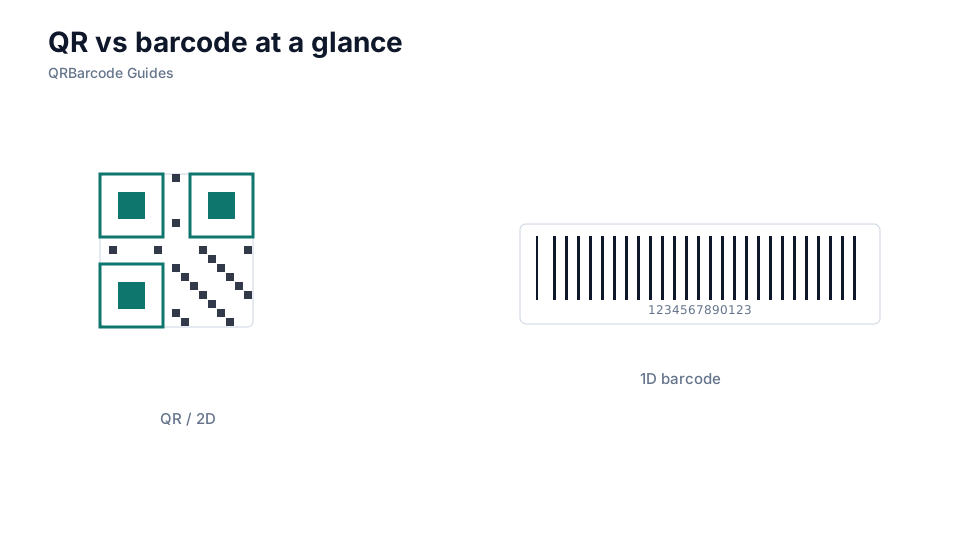
List every touchpoint that must read the symbol. If only a phone camera is involved, lean QR. If a fixed laser at checkout or a conveyor imager is involved, lean barcode. When both apply, print each symbol in its own quiet zone with human-readable GTIN text under the linear code. Foundations: what is a QR code and what is a barcode.
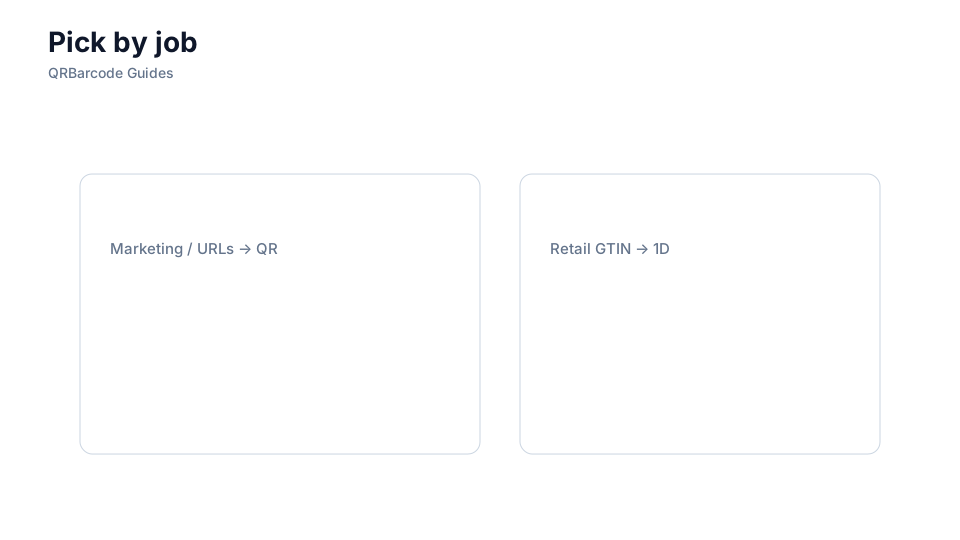
- Use EAN-13 or UPC-A on consumer units sold through retail POS.
- Use Code 128 or ITF-14 for cartons, totes, and warehouse labels.
- Use URL or WiFi QR when the scanner is a phone camera in the wild.
- Use Data Matrix when regulated UDI or tiny parts need dense 2D marking.
- Verify with QR Scan and Barcode Scan before mass production.
Common mistakes
Replacing checkout barcodes with QR alone breaks POS. Expecting marketing QR workflows on industrial Data Matrix specs fails the opposite way. Another mistake is shrinking a GTIN barcode to make room for a QR—both need adequate quiet zones and magnification.
Recommended tools
Open the QR hub and Barcode hub, then the specific type your SOP names—URL QR, EAN-13, or Code 128.