
QR Codes and Mobile Deep Links
URL QRs can open app store pages or in-app destinations when deep links are configured.
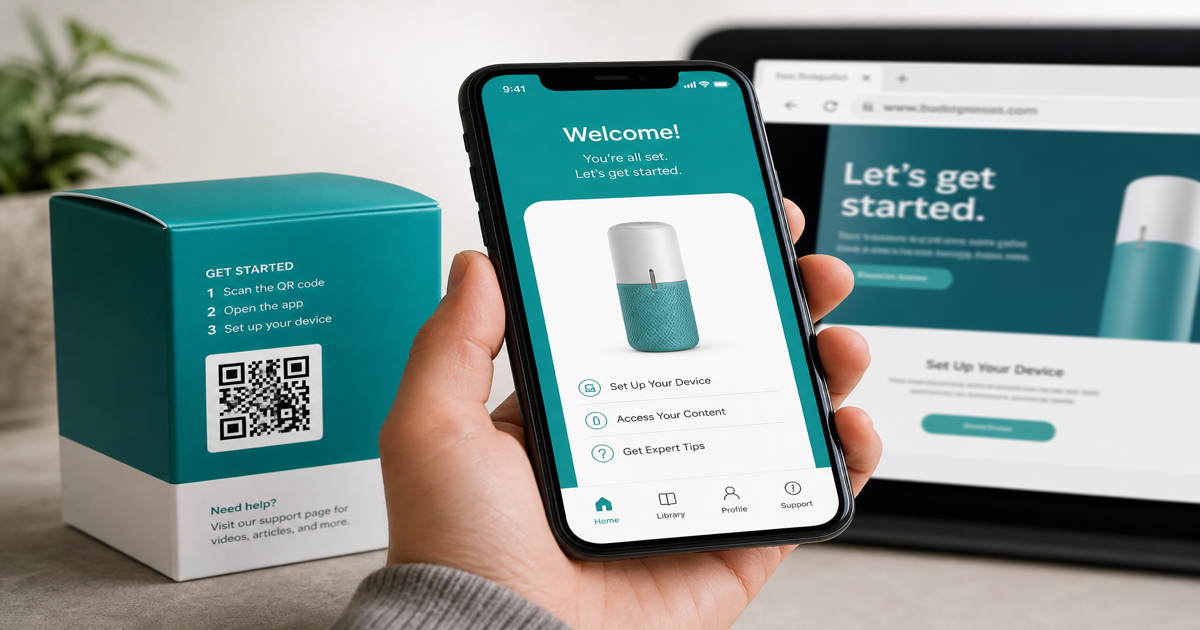
Mobile deep links route QR scans into a specific screen inside your app — a product page, loyalty wallet, or checkout flow — instead of a generic mobile website. When the app is not installed, a well-designed fallback sends users to the App Store or a web equivalent. Encode entry points with the URL QR generator and trace the full journey through the QR scanner on both installed and fresh devices.
Why it matters
Deep linking adds platform complexity: iOS Universal Links, Android App Links, and custom URI schemes behave differently, and a broken fallback strands users on an error page. Marketing QR codes on packaging often outlive app versions, so redirects you control beat hard-coded scheme strings. Pair this topic with static vs dynamic QR and QR analytics to measure which path users actually take.
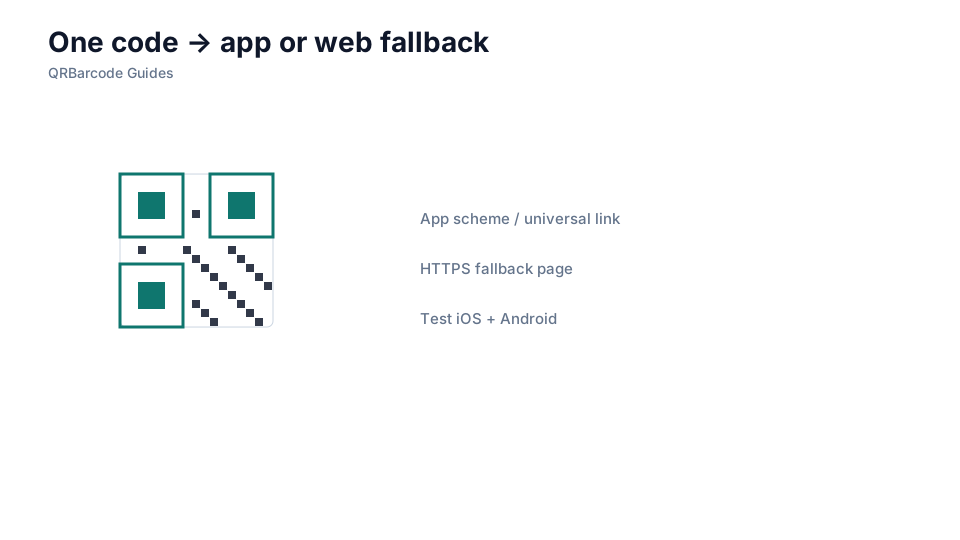
How to apply it
Publish a single HTTPS URL that your link router resolves to app or web, test with the app installed and uninstalled, and keep campaign parameters in query strings the router preserves.
- Use universal or app links verified on your domain rather than opaque custom schemes when possible.
- Always define a web fallback for users without the app or on unsupported OS versions.
- Shorten the visible URL with a redirect you own so printed codes stay visually clean and editable.
Common mistakes
Encoding raw app-only schemes with no web fallback, forgetting to verify domain association files, and pointing static QRs at staging URLs that expire before the print run ends are common deep-link failures. Dynamic routing also needs monitoring — a router change can silently break thousands of printed codes. Review QR expiration when campaigns span months.
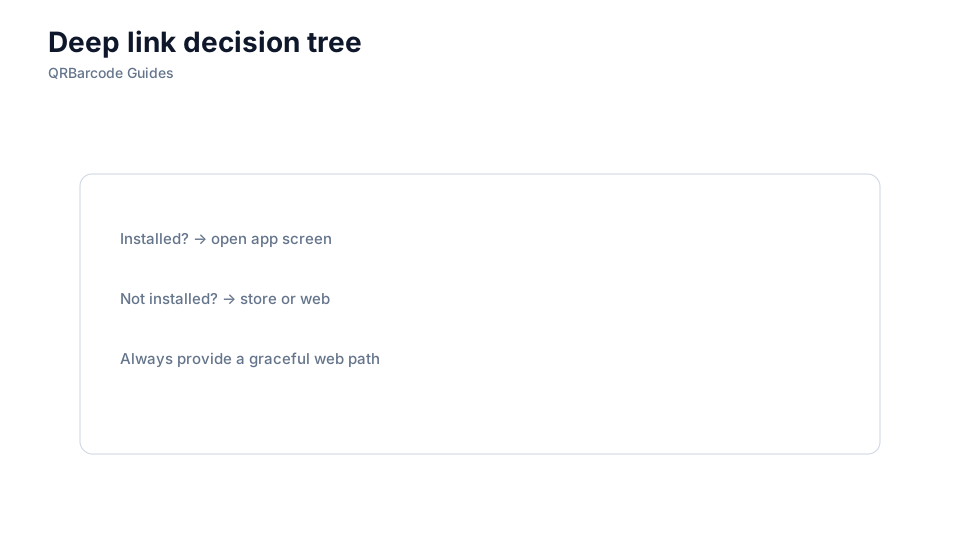
Recommended tools
Start in the URL QR tool with your router link, validate iOS and Android paths via the QR Code Scan tool, and tag URLs for analytics before launching print.