
Tracking QR Code Scans
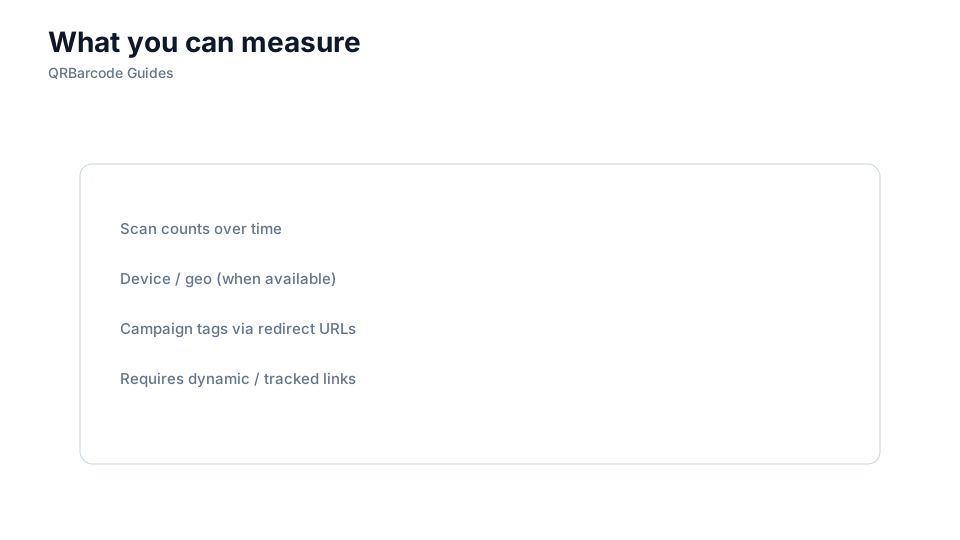
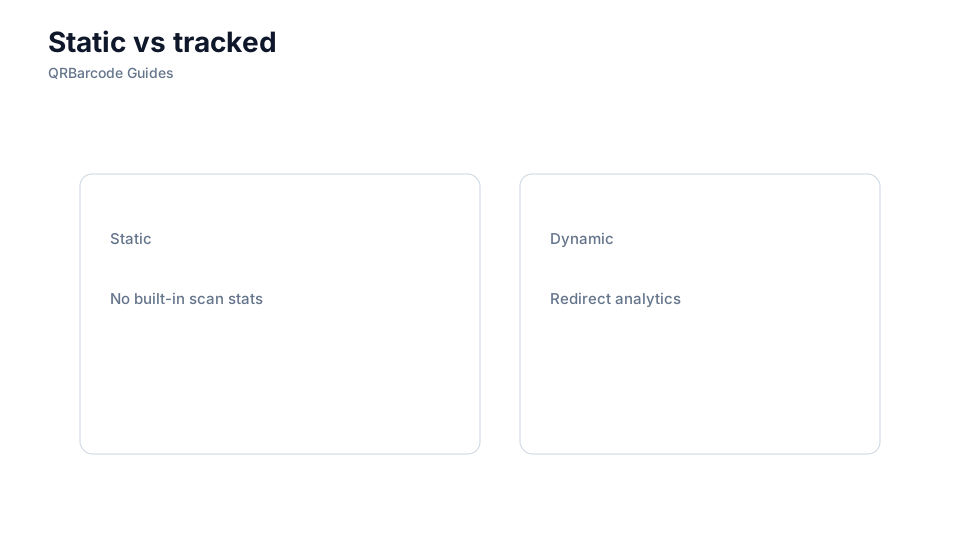
Static codes do not report scans by themselves — track via unique URLs or redirects.

A printed QR pattern itself does not report scans — measurement happens at the destination URL or redirect service behind the code. To compare campaigns, placements, or creative variants, each QR needs a trackable link you control. Generate codes in the QR code generator and confirm the resolved URL in the QR scanner before launch.
Why it matters
Teams often paste a bare homepage into static QRs and later cannot tell whether the billboard or the flyer drove traffic. Dynamic redirects, UTM parameters, and unique short links turn every scan into an attributable event in your analytics stack. Understand the trade-offs in static vs dynamic QR and how deep links affect reporting in mobile deep links.
How to apply it
Assign one trackable URL per placement or audience segment, append consistent UTM tags, and document which printed piece maps to which code.
- Use unique paths or query strings per channel — qr.example.com/menu versus qr.example.com/poster.
- Keep redirects on infrastructure you operate so reports survive vendor changes.
- Align QR launch dates with analytics dashboards so baseline traffic is easy to compare.
Common mistakes
Reusing one URL across every touchpoint, stripping UTM tags during redirect chains, and pointing QRs at third-party shorteners you cannot export are analytics dead ends. Static vCard or WiFi payloads never hit your web analytics at all — plan measurement only for URL-based campaigns. If destinations move, update redirects instead of reprinting when using dynamic links.
Recommended tools
Build trackable URL codes in the URL QR tool, verify tag preservation in the QR Code Scan tool, and monitor results in your existing web analytics platform.