
EAN vs UPC
EAN-13 and UPC-A are related GTIN barcodes with different digit lengths and regional dominance.
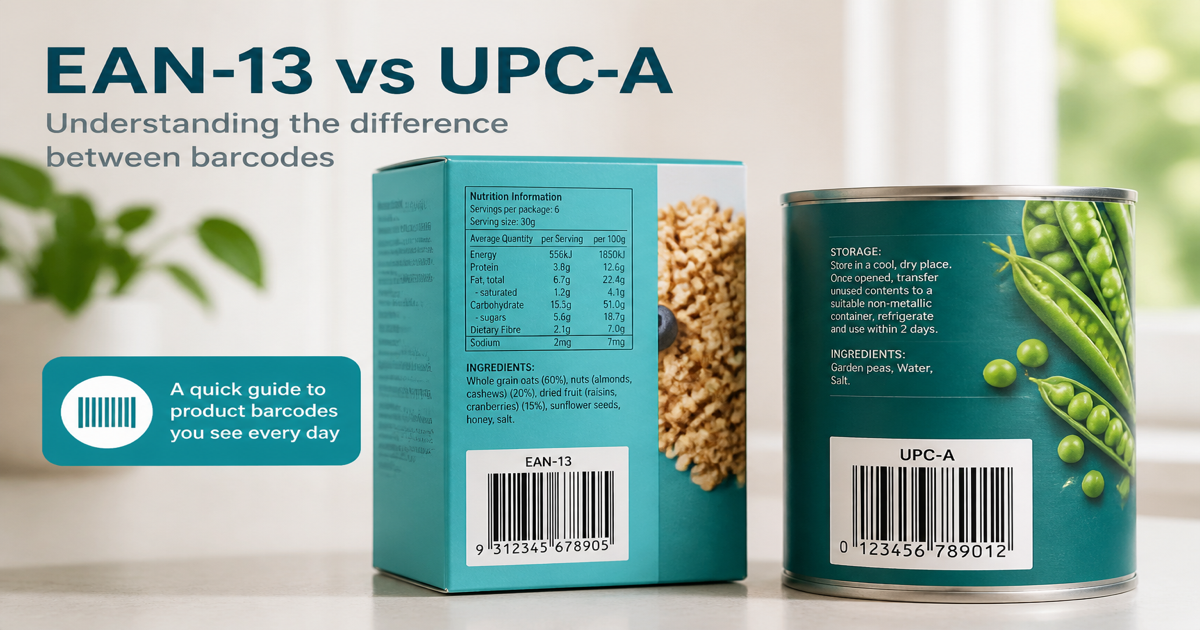
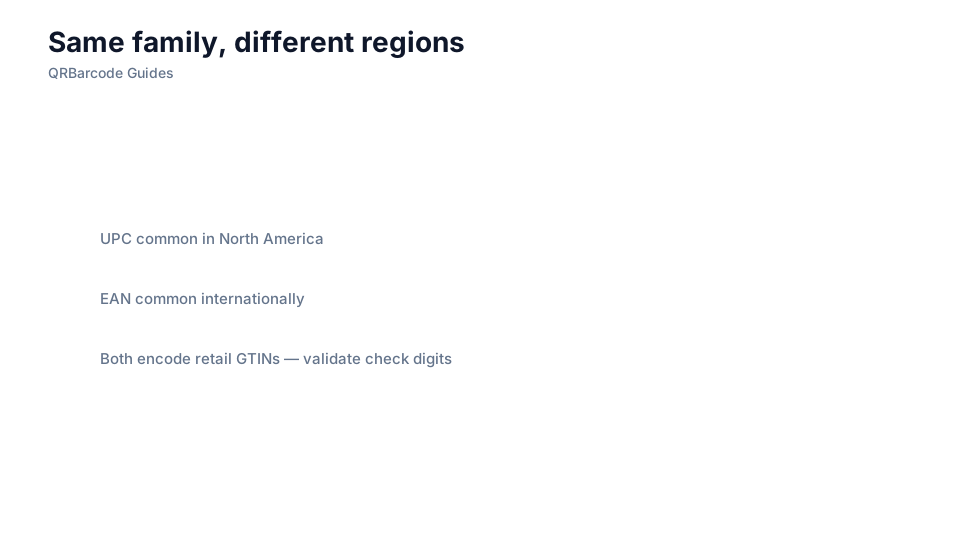
EAN-13 and UPC-A are sibling retail barcodes that encode Global Trade Item Numbers for point-of-sale scanning. EAN-13 is dominant outside North America; UPC-A is the default in the United States and Canada. Generate each format in the EAN-13 generator and UPC-A generator, then test with Barcode Scan.
Why it matters
The two symbols look similar—a vertical bar pattern with digits beneath—but digit count and leading-zero rules differ. Ship the wrong one and Amazon, Walmart, or regional grocers reject your listing even if the underlying product ID is correct. Because many scanners treat UPC-A as a subset of EAN-13, confusion rarely breaks checkout, but packaging artwork and marketplace forms still demand the precise symbology.
How to apply it
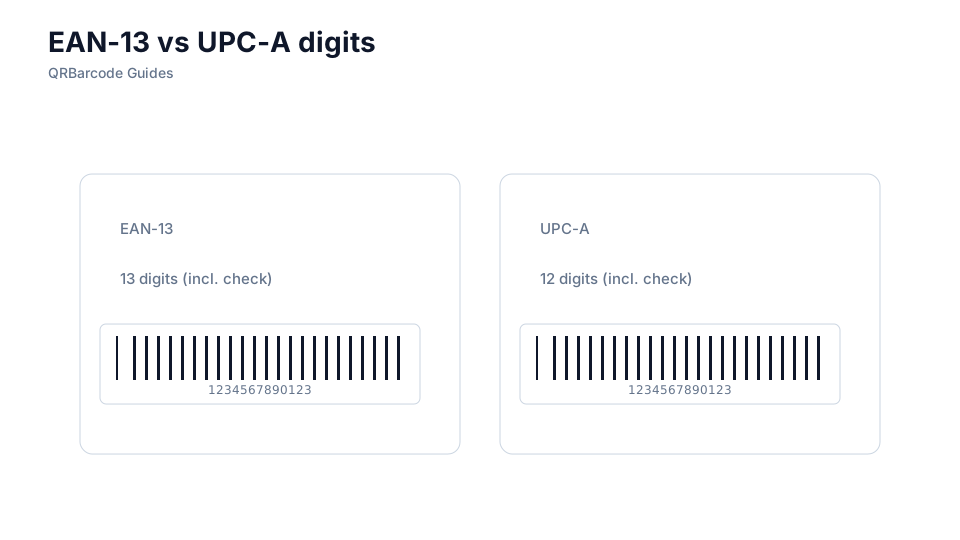
Obtain a legitimate GTIN from your GS1 prefix before generating artwork. For U.S. shelves, build UPC-A with 12 data digits plus a check digit. For most international retail, use EAN-13 with 13 digits. Validate the check digit using our check digit guide and confirm GS1 ownership in GS1 basics.
- Register GTINs at the correct packaging level—consumer unit, multipack, or case—not just the SKU you think of first.
- Never invent a company prefix; marketplaces verify GTIN ownership against GS1 databases.
- Print the symbology your target retailer specifies, even if scanners might read the other format.
- Keep barcode magnification within GS1 size guidelines so laser checkout guns decode reliably.
Common mistakes
Teams frequently pad UPC numbers to fake an EAN-13 by adding a leading zero without updating artwork dimensions—fine for data, but sloppy for brand compliance. Another error is reusing a GTIN across visually different products; that triggers chargebacks. If you export to multiple regions, plan separate label variants rather than one “global” barcode that violates local listing rules.
Recommended tools
Compare outputs in the EAN-13 and UPC-A tools, browse the full Barcode Generator hub, and verify scans in Barcode Scan before sending files to your label printer.